
Performing a stocktake periodically is crucial in keeping track of your inventory in your business. Konnect Spa and Salon Software allows you to do this so as your business continues to operate with efficiency.
Before performing a stocktake, please ensure your current product line is correct and current. Suspend any products you no longer stock and add in any product ranges that is not already on the system.
Next generate an inventory report and use it to match your physical stock level in store.
Once done, you may now begin the stocktake process. For items that shows you have more than your physical stock level, you will need to write them off. For items that shows you have less than your physical stock level, you will need to write them on.
To learn how to write on/off a product, click here.
Note:
Konnect runs on average costing. Receiving stock before you sell it is crucial if you want to keep your costs correct. If the cost for a product is incorrect, or the store has never received stock into the system, write off all your stock holding, then click Receive Goods and input the correct cost.
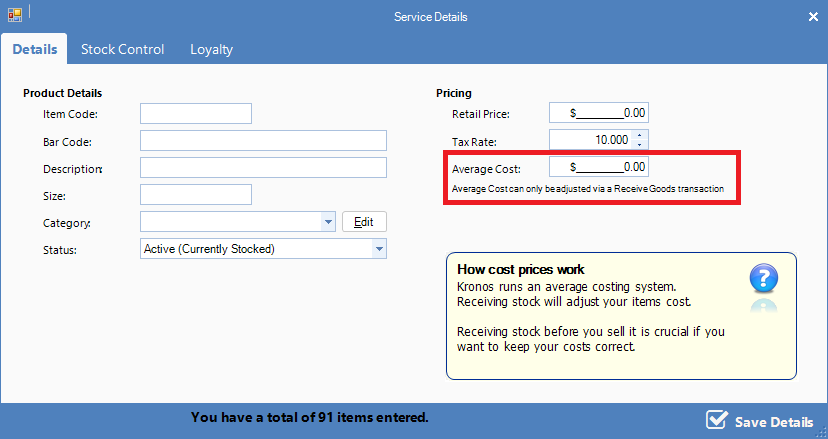
Average cost is calculated as follows:
((stock on hand x current average cost) + (receiving quantity x receiving cost)) ÷ (stock on hand + receiving quantity)
0 Comments