
If your store uses professional products (e.g. colours), it is best to enter them through the program to keep track of how much you use.
To learn how to enter Professional products into the software, click here.
To use professional product, you will need to utilise the write on/off feature:
Step 1: Go to the Transactions tab and select select Write off.

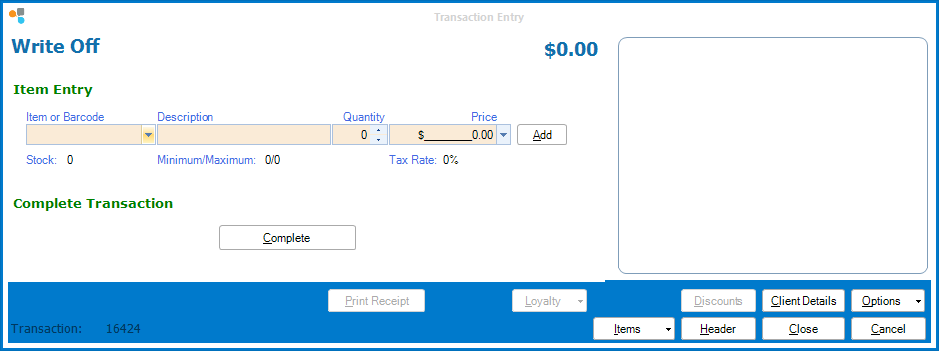
Step 2: The Write Off Transaction entry will appear.
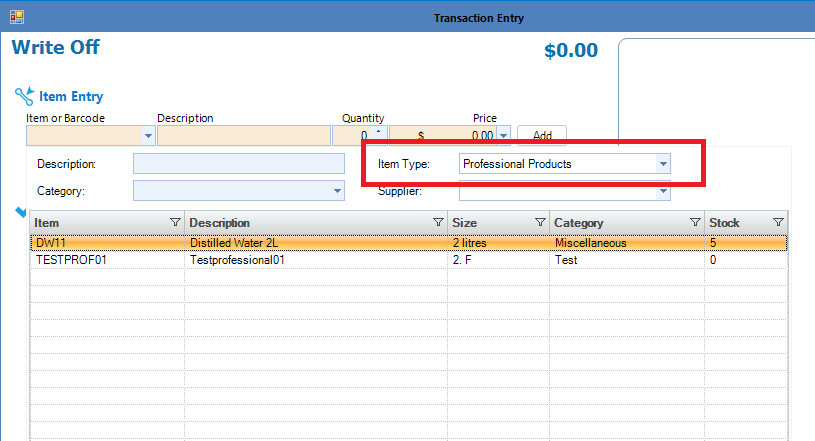
Step 3: In Item Type, select the category Professional Products. This will display a list of all your professional products.
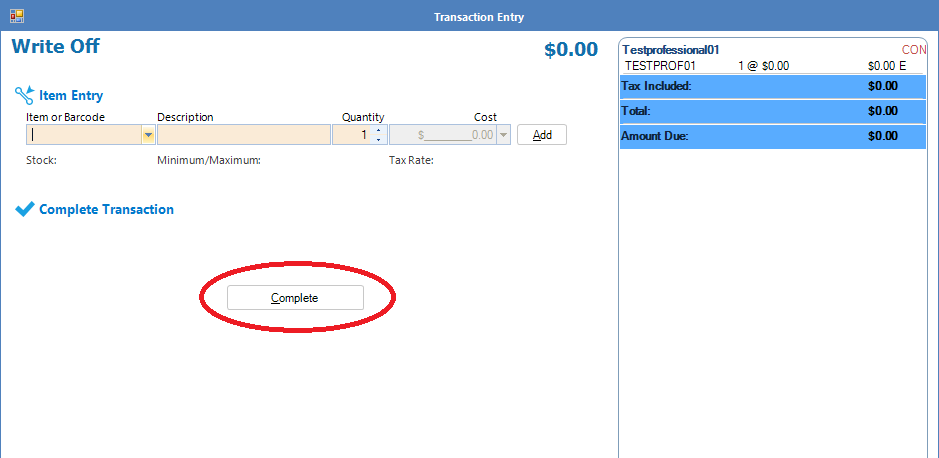
Step 4: Once your professional product is selected, click Add and when your list is complete, click Finish to process the transaction. Any written off item will be reflected in its stock levels.
0 Comments