
To copy bookings:
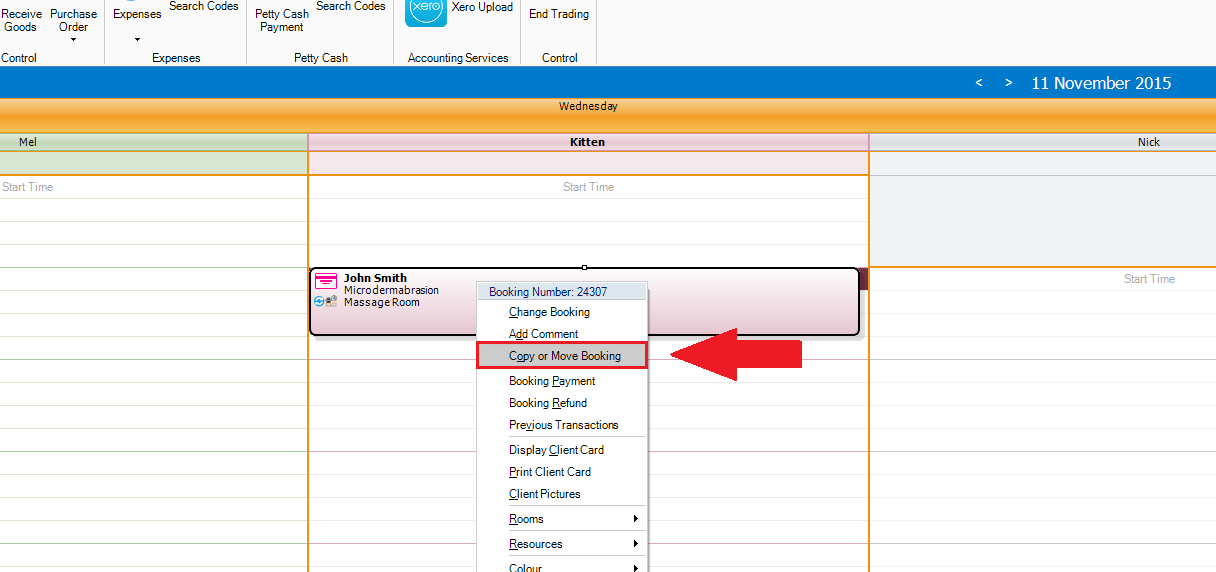
Step 1: Right click on the booking that you would like to amend. A drop down list will appear. Select Copy or Move Booking.
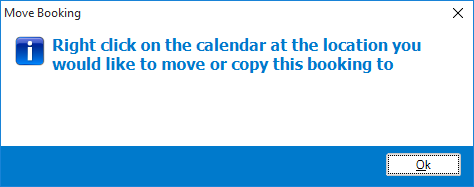
Step 2: A popup will appear advising you to right click on the location/day where you would like to move the booking.
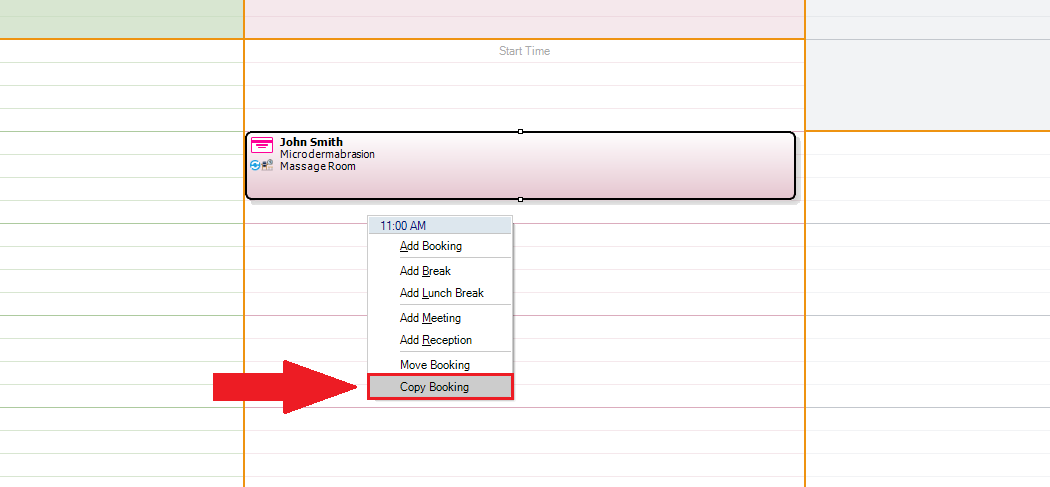
Step 3: Once you have selected the spot where you would like to move your booking, right click and select Copy Booking.
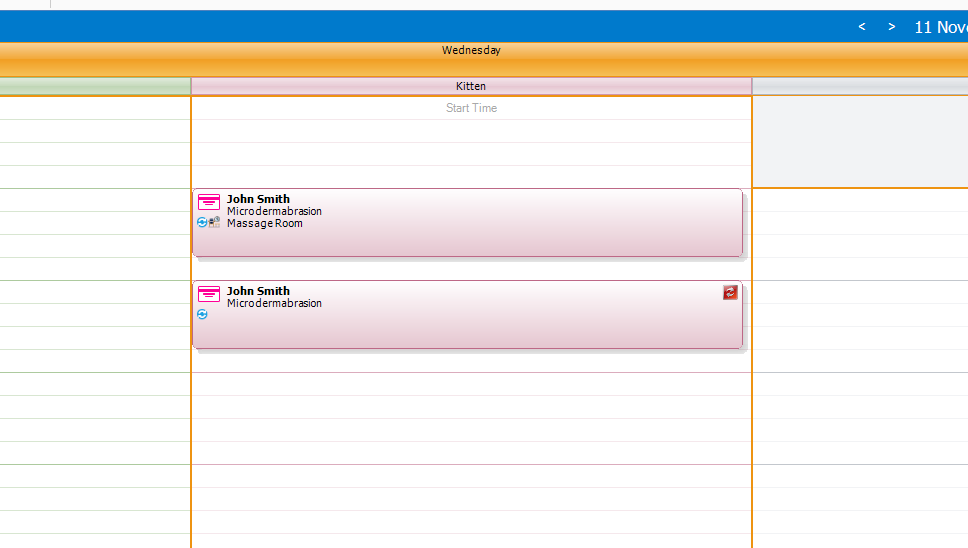
Step 4: The Booking Wizard will appear. Confirm that the booking details are correct and once done, click Save. Your booking will now be copied to the new timeslot.
To learn how to move a booking, click here.
To learn how to adjust a booking, click here.
YouTube Video:
0 Comments