
The Konnect Online Booking link is accessible via the Konnect Support portal. To access the portal, click here and login with your username and password.
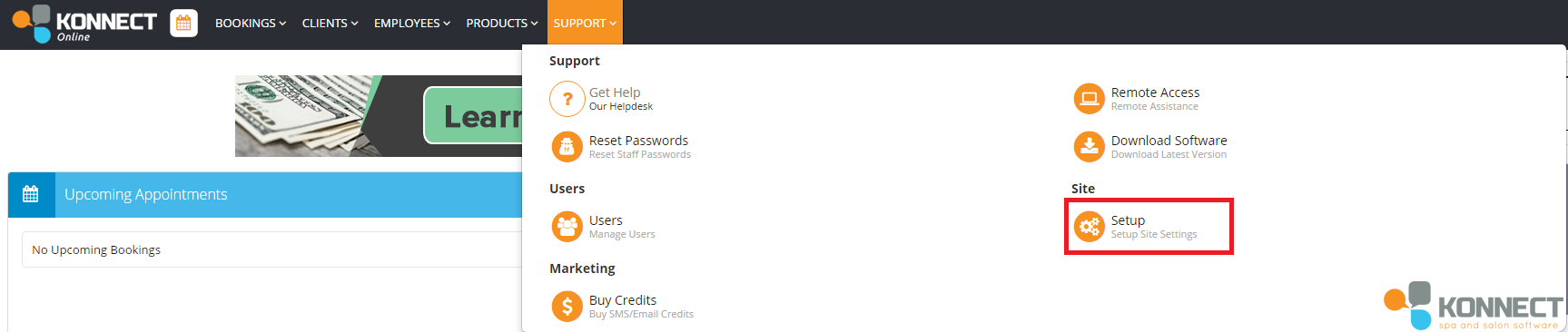
Step 1: Once logged in, click Support and select Setup.
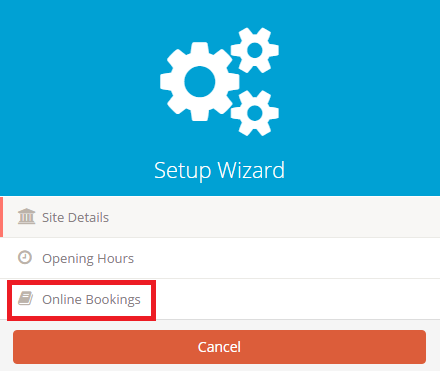
Step 2: On the left hand side, select Online Bookings to find your online booking link.
Step 3: Once inside online booking, your booking link will appear as well as your pop up and iFrame code.
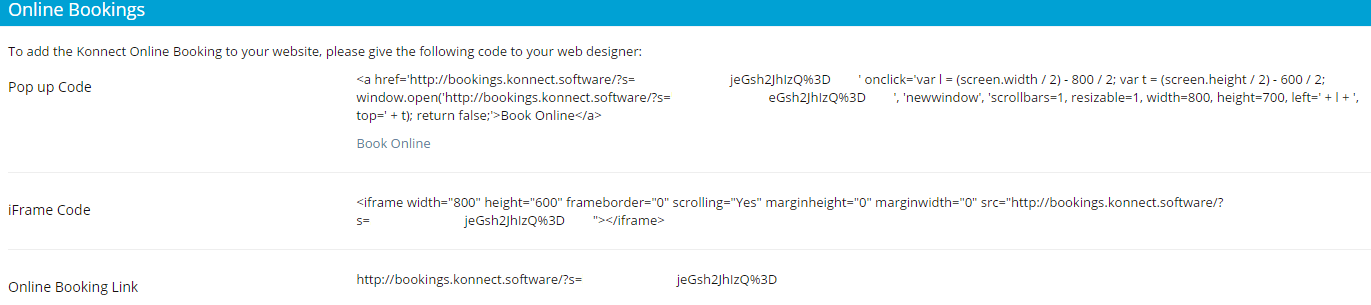
- Pop up code: Pops up an online booking screen to pick a service, pick an employee, pick a time and booking details.
- iFrame: Integrates with your Facebook account.
- Online Booking Link: Access online booking.
Note: To integrate this onto your Facebook page, we have created a tutorial here (this article is view-able via the support site), however do note that this is ONE way of doing it and Facebook may or may not have changed a few things on their end.
0 Comments