
To make your employee visible in online booking, ensure you enable them in Konnect.
To do this:
Step 1: Go to the Employee's tab and select Search
Step 2: The Employee Maintenance page will show. Select an employee you wish to be visible online.
Step 3: Click next until you see Online Bookings. 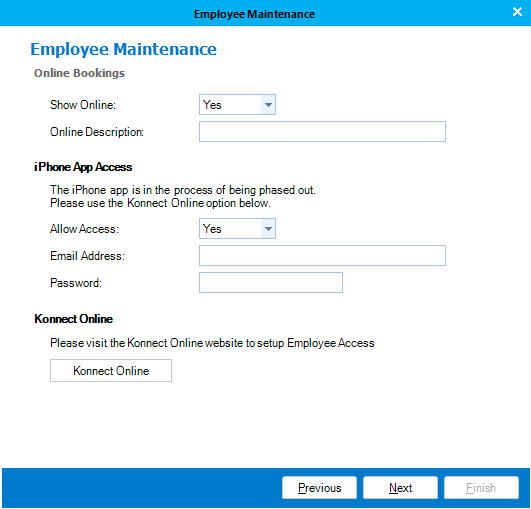
Step 3: Select Yes in Show Online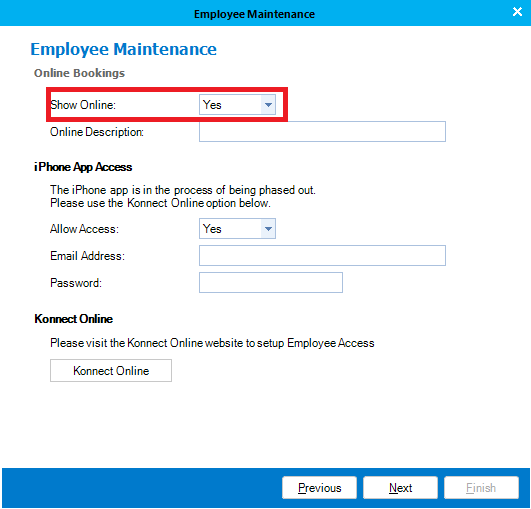
Step 4: Click Next and select Finish.
Note: Konnect will sync with your online system within 10 seconds. For more information to keep your system synchronised online, see this article.
Online Sync
0 Comments