
Formulas, along with the rest of the client card such as their history, sales record etc can be printed.
Step 1: Click the Clients tab and select Search.

Step 2: Locate the client via the search function and double click their name to display their details.
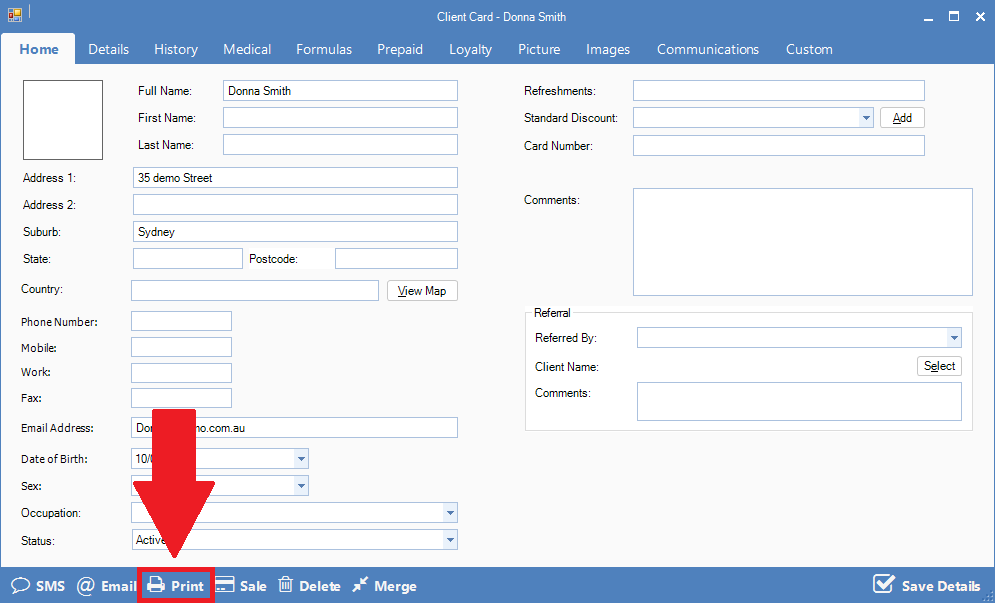
Step 3: Once the client card appears, click Print. The client report will appear with their information.
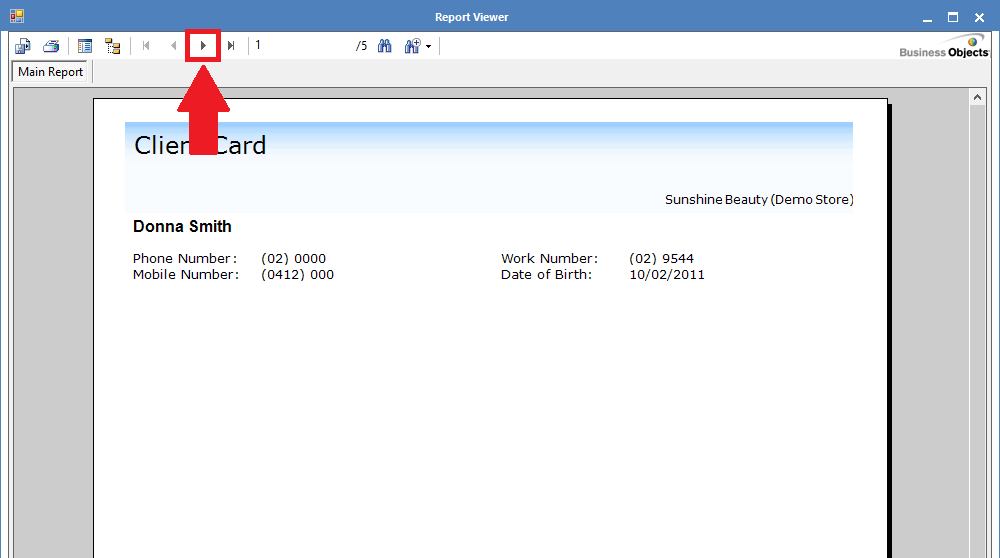
Although the report may contain multiple pages. To get to the formula page, click on the page arrow below.
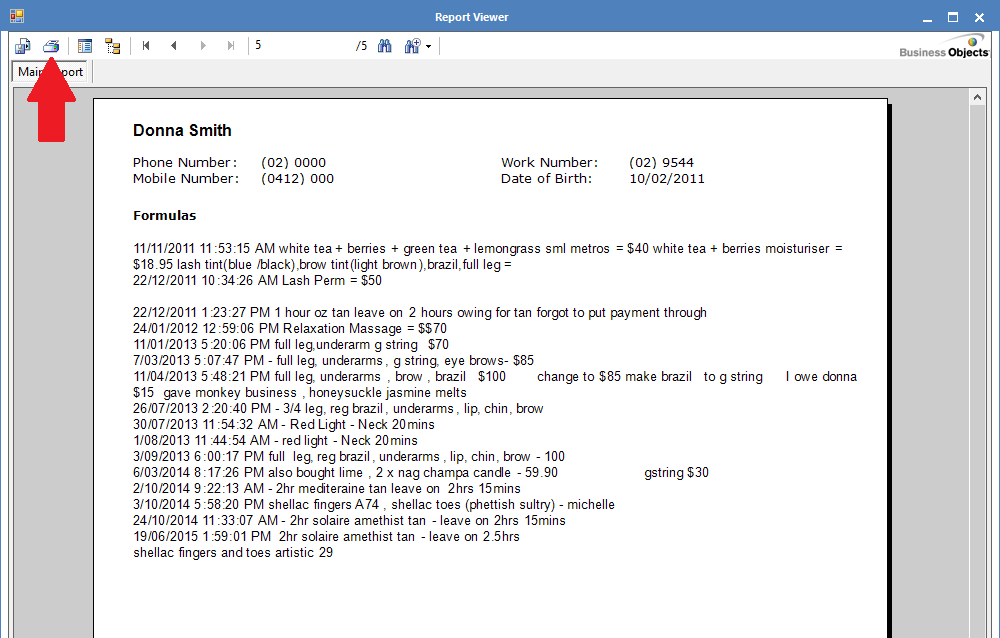
Step 4: To print, click on the print icon and select the appropriate page number from your printer settings.
0 Comments