
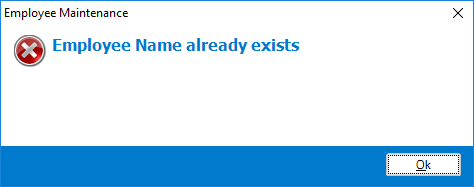
The above message appears when you try to create an employee whose name and/or user name clashes with one already in existence.
If you have more than 1 employee who share the same first name, we recommend having one with the first name and the other their first name and the first letter of their last name.
Eg: If you have 2 John Smith's working for you, when you create an employee card, you may use John for the first card, and John S for the second card so as the system can differentiate the two.
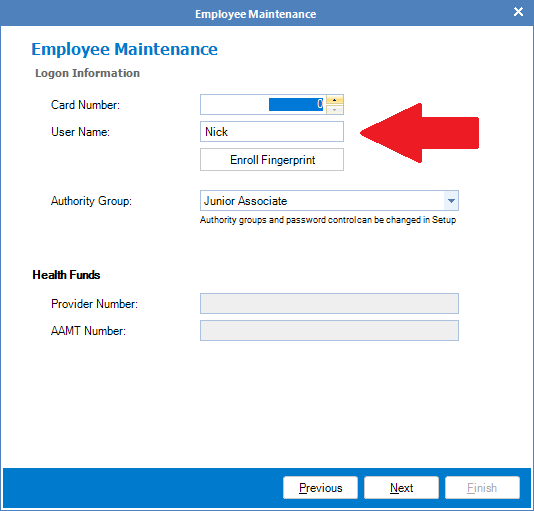
If you have setup the employee with different names and the message still appears, ensure the username field is also changed. It is best to match whatever you have used in the name field. Once done, you should now be able to create and save the new employee.
0 Comments