
For your convenience, you may create repeated bookings on a recurring cycle, rather than having to input them manually into the system individually.
Step 1: Click the Bookings tab and select New Booking.
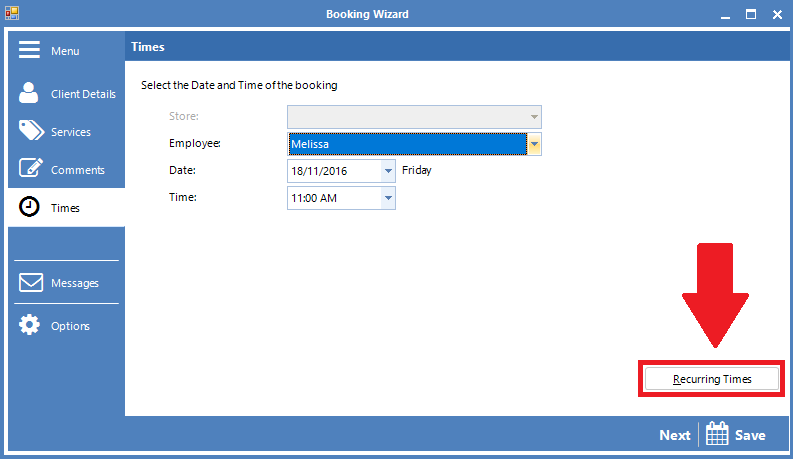
Step 2: The Booking Wizard pop-up will appear. Create the booking for the client as usual then select Recurring Times on the bottom right corner of the pop-up.
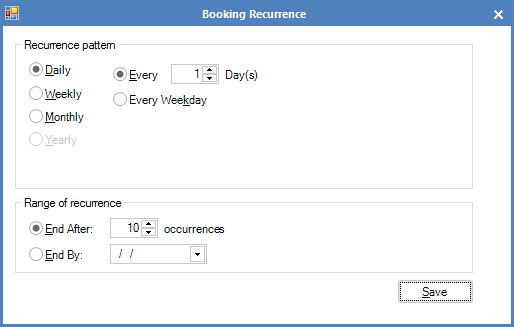
Step 3: A new pop-up will appear where you may create a recurring booking for the client. You can set a different recurrence pattern and range of recurrence based on the clients' needs.
0 Comments