
Konnect Spa and Salon Software has the capability of designating the calendar screen to a single employee. This is useful when you have many employees and having them all on the calendar would be too crowded.
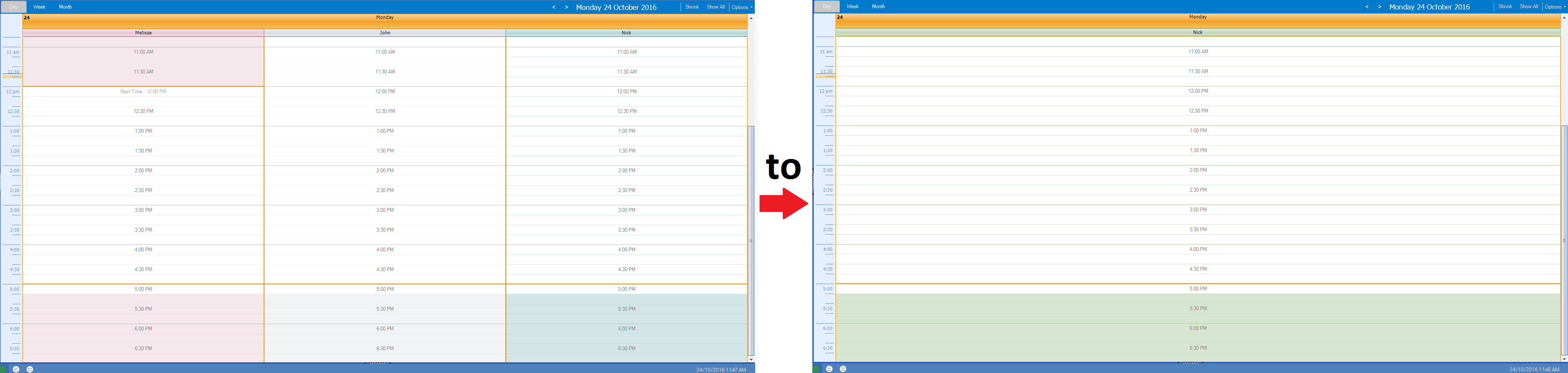
To setup calendar selection:
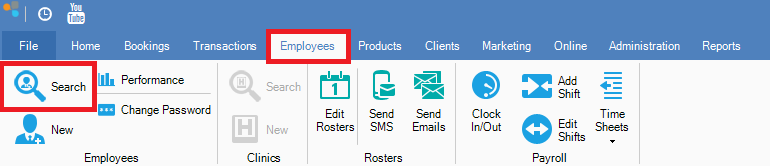
Step 1: Go to the Employees tab and select Search.
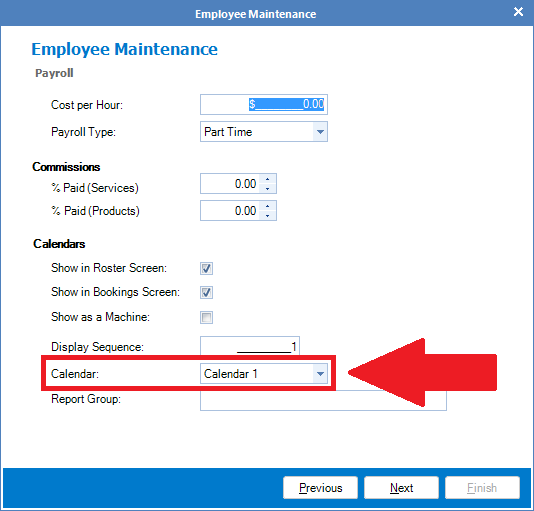
Step 2: The Search Employees screen will appear. Double click on the selected employee's name to reveal the Employee Maintenance screen. Click Next once. You should be able to see the Calendar option.
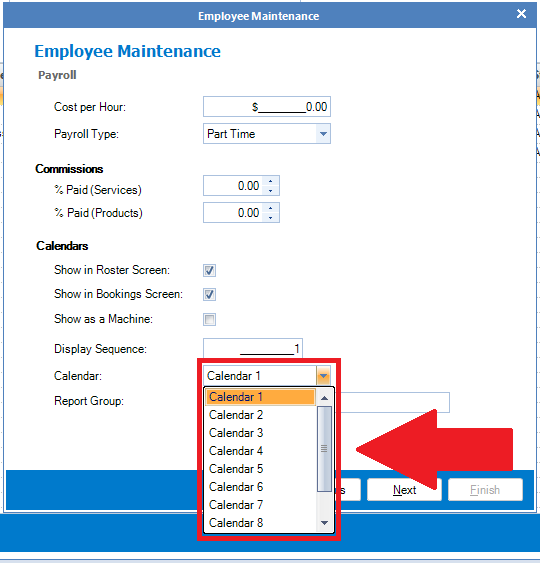
Step 3: Assign the employee a calendar number from the drop down list.
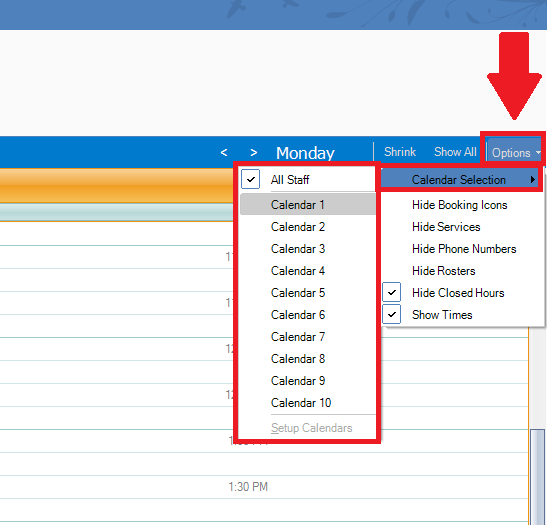
Step 4: Once the employee has been assigned a calendar number, go to the main calendar and select Options, followed by Calendar Selection. From there you may select the calendar number you assigned your employee. Once done, the calendar will show the selected employee's calendar view. You may repeat the same process for other employees by selecting a different calendar number.
0 Comments