
You may load up to 10 images onto your client card. This can be especially useful if you need to keep track of your client's treatment progress visually.
To upload images:
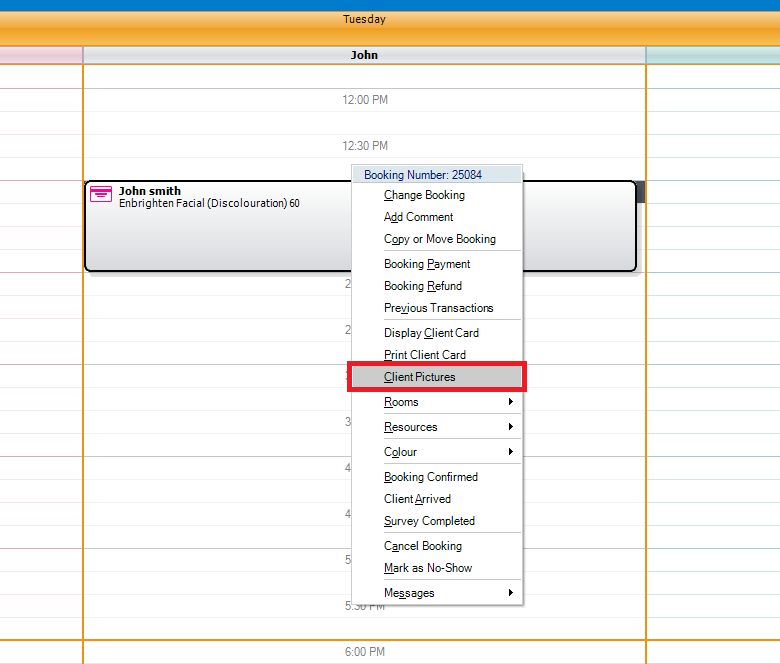
Step 1: Right click on your client's booking and select Client Pictures.
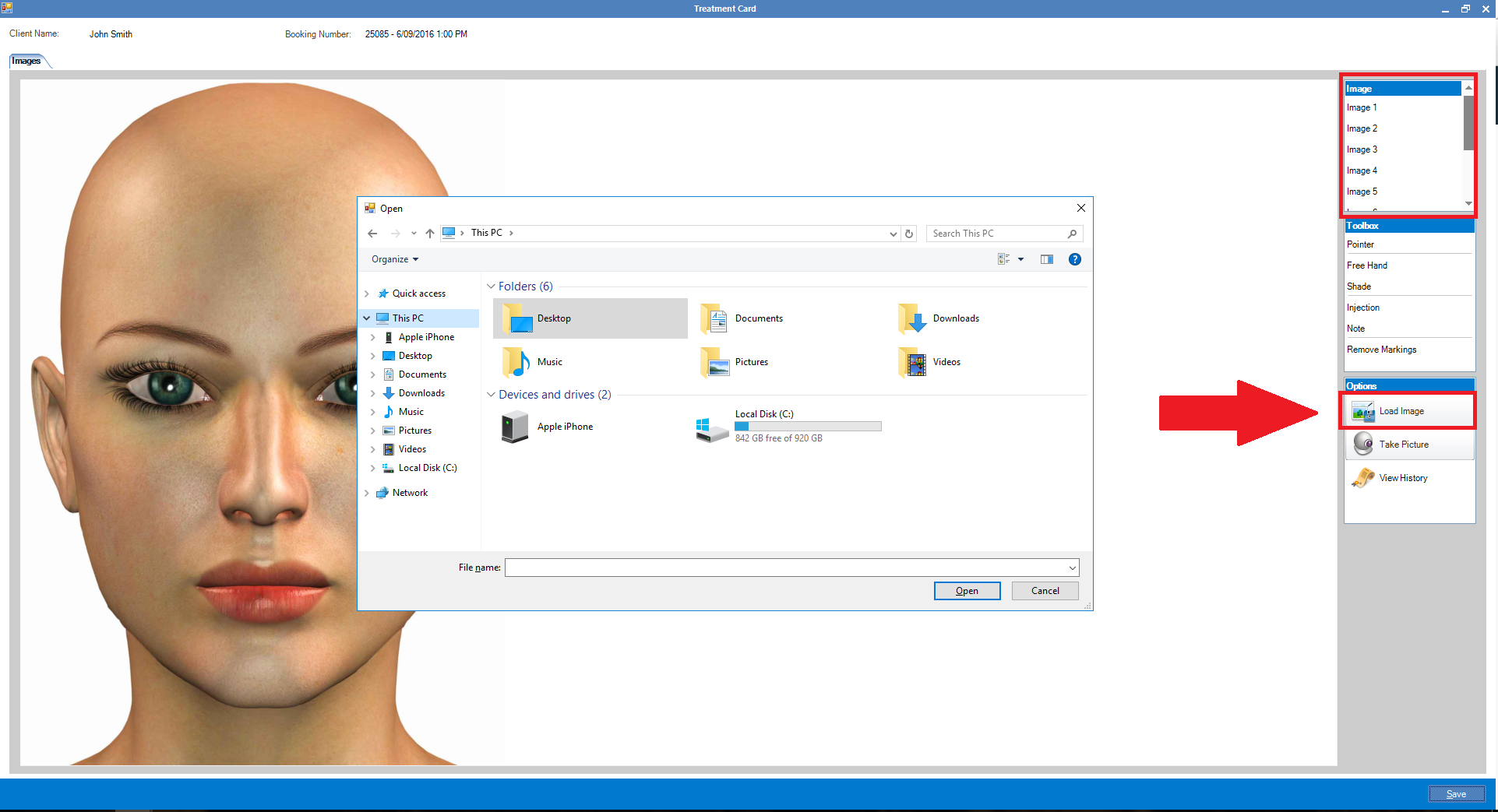
Step 2: The Image Treatment Card will display. By default the first image has a face template commonly used as a reference for Botox clients. You may replace the images and upload your own by selecting the image number and clicking Load Image. The load image box will appear. Once your image is selected, it will appear on the Image Treatment Card. Once done click Save.
Note:
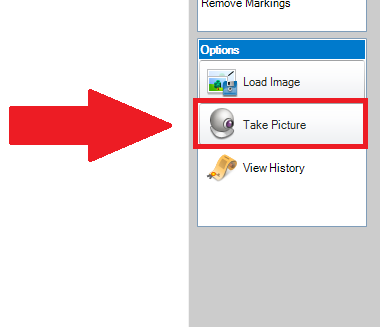
Alternatively, if you have a webcam connected to your computer, you may use it to take images by clicking on the Take Image button. (Your webcam must be installed and operational for this feature to work).
0 Comments