
All Konnect related invoices can be accessed via the support site.
Once logged into your Konnect account:
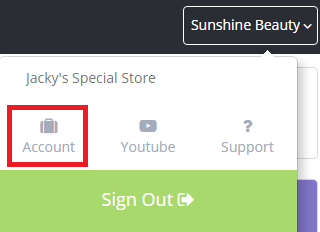
Step 1: Click on your store name (top right corner), then select Account.
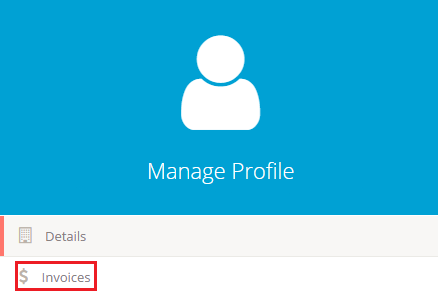
Step 2: Select Invoices on the left hand side.
Note:
If you would like backdated invoices, please contact support on 02 8004 7684 and press 2. Please note that the request will take 7 days to process.
0 Comments