
The Training Mode is available to allow new users to safely try out features and functions without affecting their actual database.
The Training Mode can be found by going to File->Training Mode.
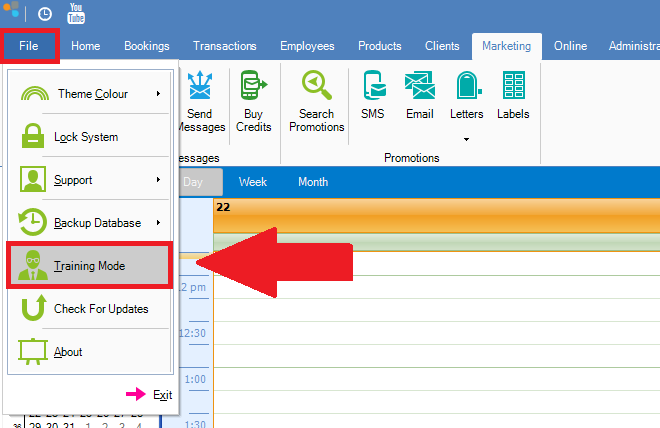
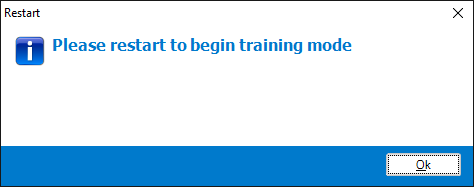
Once clicked, a popup will appear advising to restart to activate Training Mode.
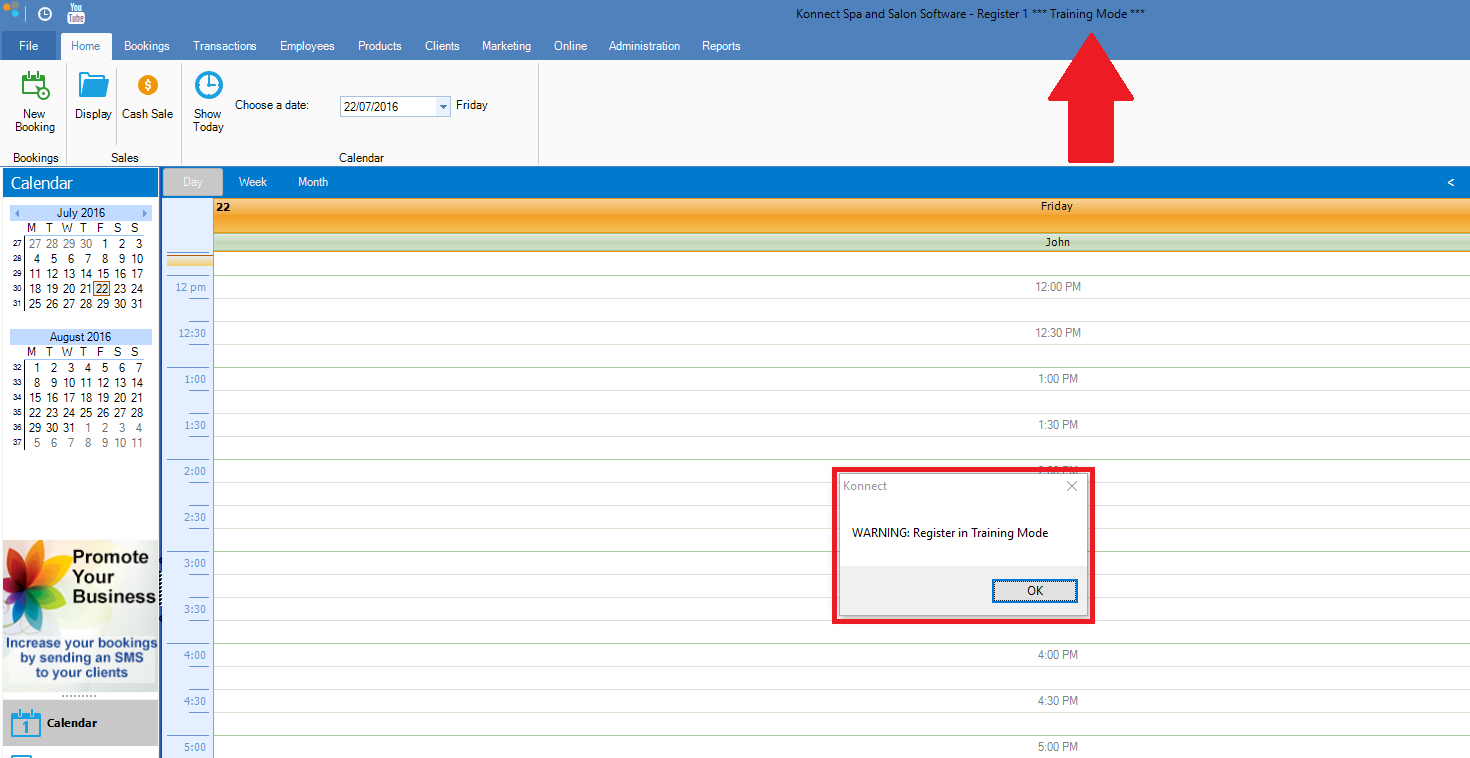
Restart the program and the system will advise that it is currently in Training Mode with a popup notification. It will also say ***Training Mode*** on the top of the screen. Any changes made here will not affect your main database.
To exit Training Mode, simply restart the program again and it will return to its original state.
Note: Training Mode is only available on Register 1 where the database is installed on the same computer.
0 Comments