
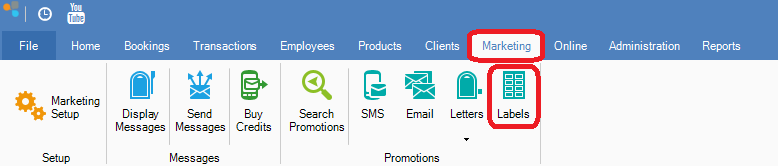
Step 1: Go to the Marketing tab and select Labels.
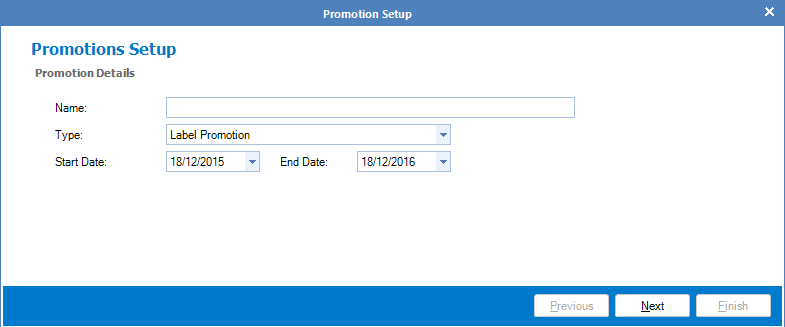
Step 2: The Labels Promotions Setup should appear. Enter the promotion's details and click Next.
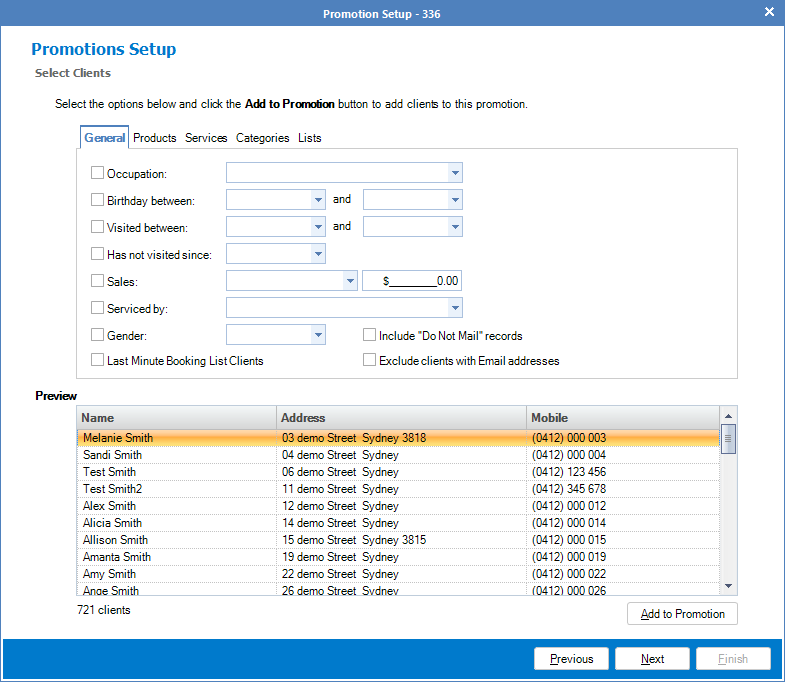
Step 3: You will now see the client's selection criteria. Proceed with selecting the right criteria and once done, click Add to Promotion and select Next.
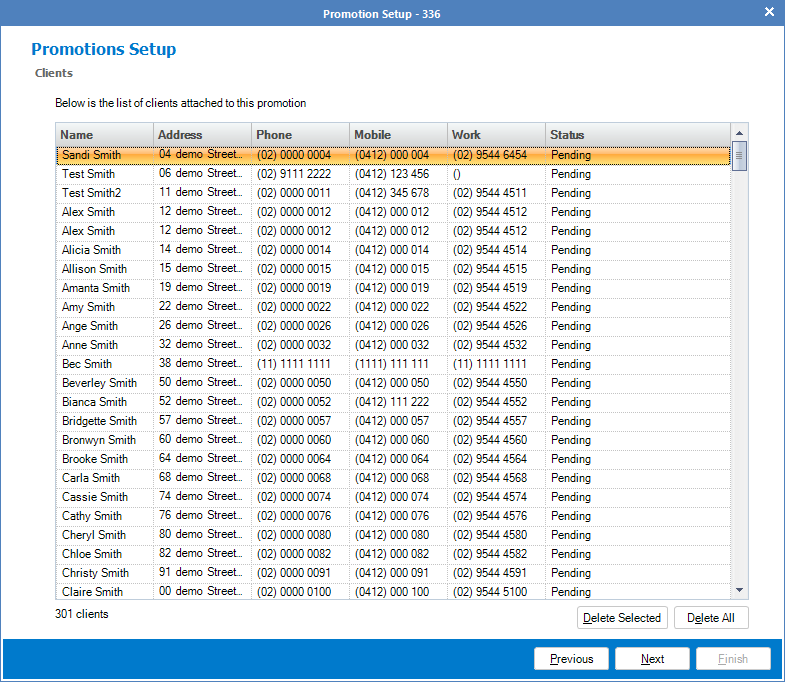
Step 4: In the client's list, you will now see the list of selected clients. Adjust the list if required and once satisfied, click Next.
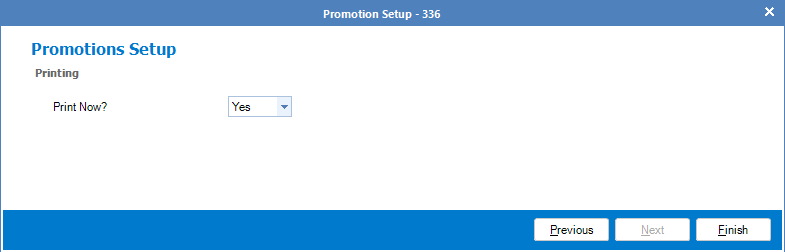
Step 5: In Printing, it will ask if you would like to print the labels now. Select Yes. The labels will now generate within Microsoft Word.
0 Comments