
Step 1: Go to the Reports tab and select Schedule Reports.

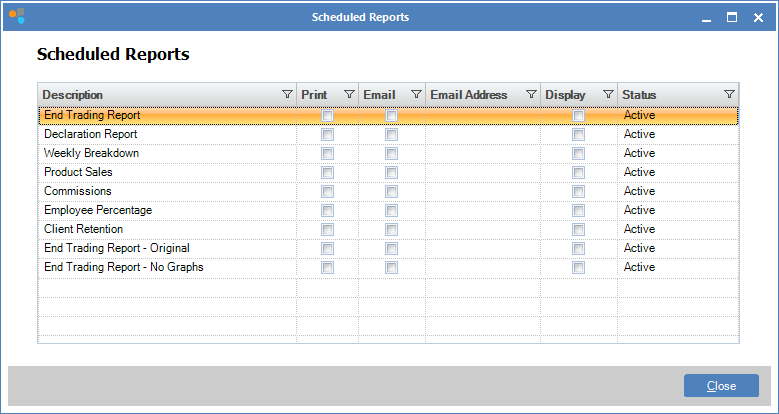
Step 2: The Schedule Reports window will open. Double click on the report you wish to schedule.
Step 3: The Schedule Report window will open. Tick the box "Print Report" to initiate the selected report to print at the end of End Trade.
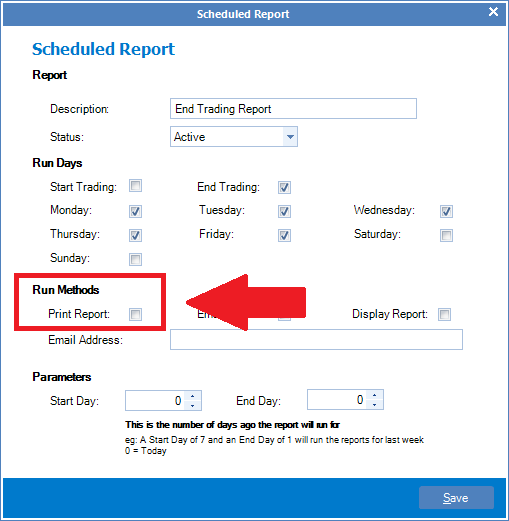
Step 4: To turn off print, simply untick the box and click Save.
0 Comments