
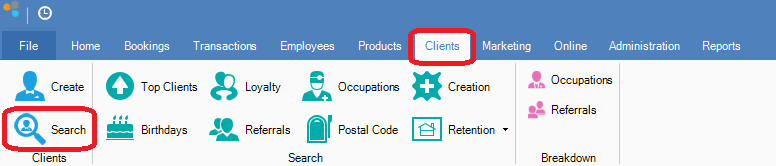
Step 1: Go to the Clients tab and select Search.
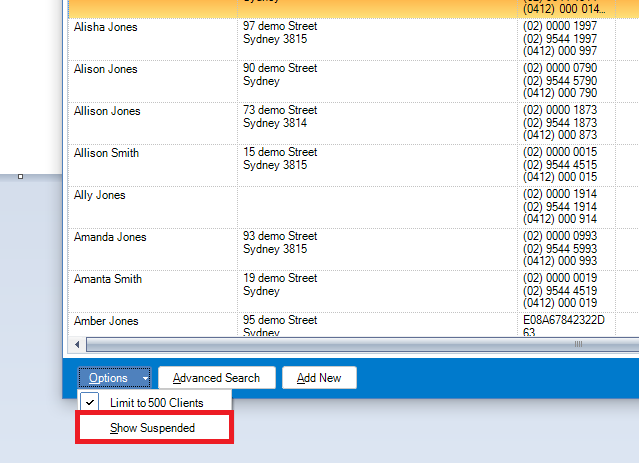
Step 2: Go to the Options tab and select Show Suspended to display suspended clients.
Step 3: Locate the suspended client by using the above search criteria and once found, open the client and adjust the status.
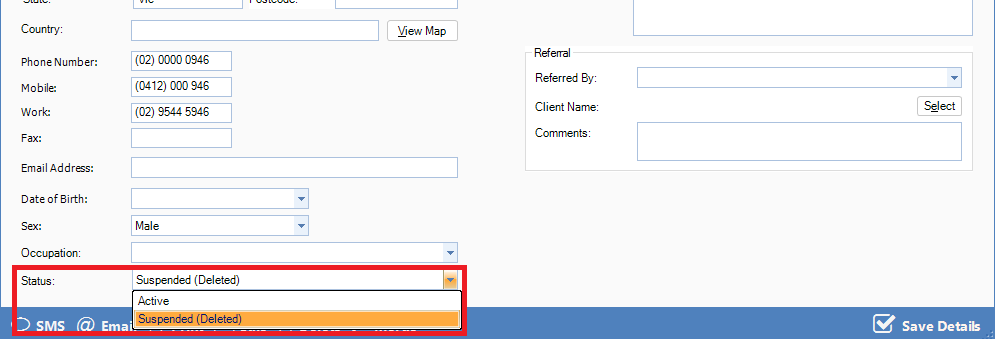
Step 4: Once done, click Save Details.
0 Comments