
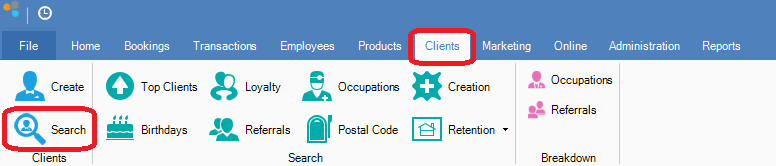
Step 1: Go to the Clients tab and select Search.
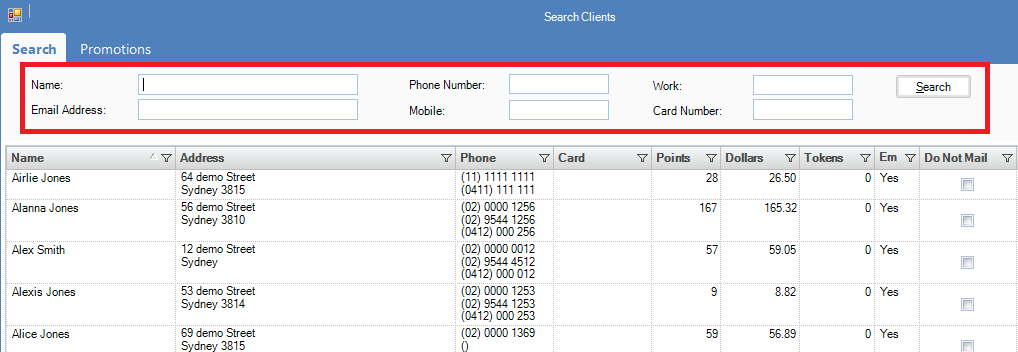
Step 2: Enter the clients detail in the selection criteria.
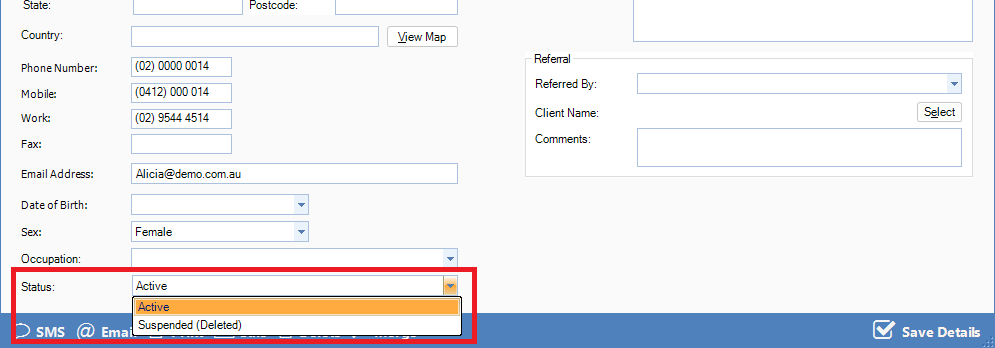
Step 3: Double click on the client and change the Status from Active to Suspended.
Step 4: Once done, click Save Details.
Step 1: Go to the Clients tab and select Search.
Step 2: Enter the clients detail in the selection criteria.
Step 3: Double click on the client and change the Status from Active to Suspended.
Step 4: Once done, click Save Details.
0 Comments