
Step 1: Go to the Transactions tab and select Purchase Order.

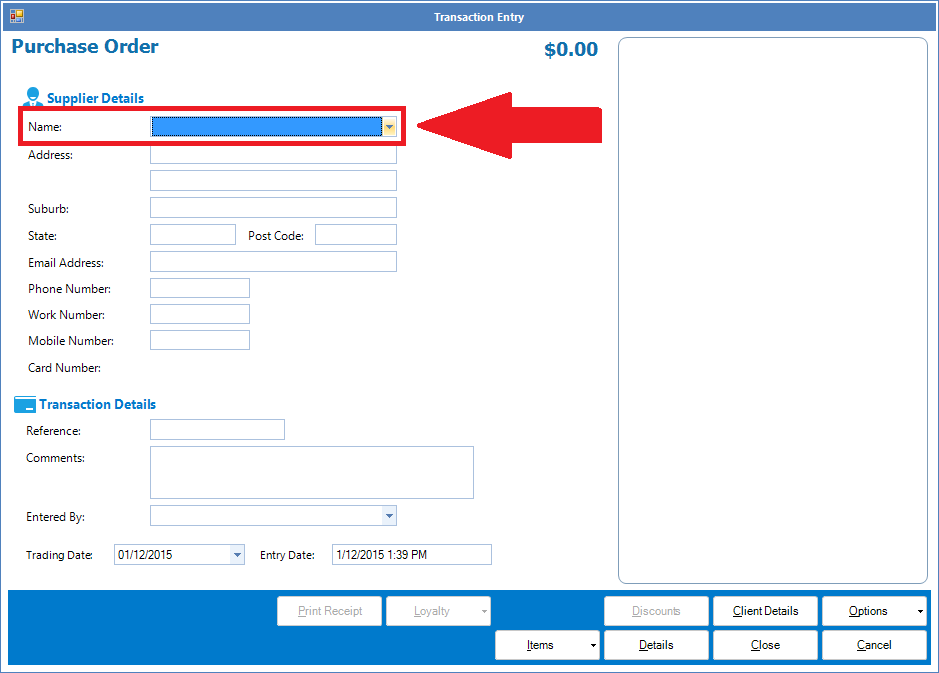
Step 2: The Purchase Order screen will appear. Select the name of your saved supplier from the drop down list.
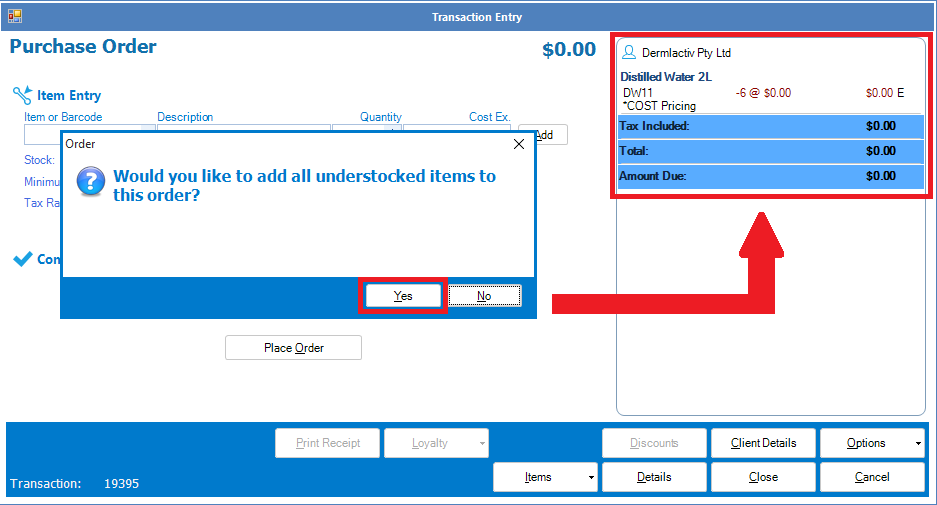
Step 3: A pop-up will appear asking if you would like to add all under-stocked items to this order. If Yes, the system will scan its database for any under-stocked items that is linked to the chosen supplier. If No, skip to step 4.
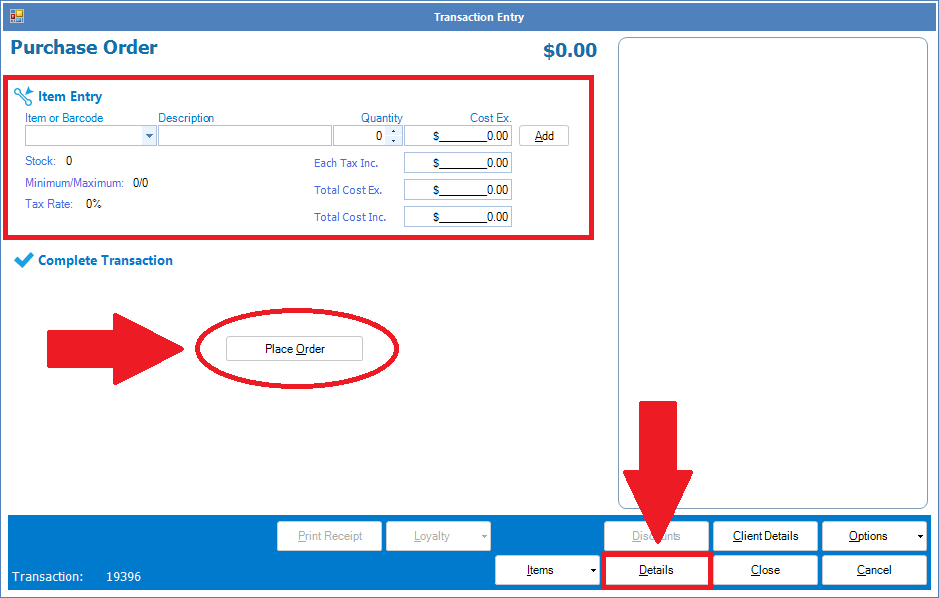
Step 4: Once you have selected No from the pop-up, select Details, This will bring up the Item Entry screen. Enter the items as required and once done, select Place Order to complete your purchase order.
YouTube Video:
0 Comments