
Step 1: Go to the Transactions tab and select Cash Sale. (or press F3 on your keyboard).

Step 2: The Cash Sale Transaction Entry will appear.
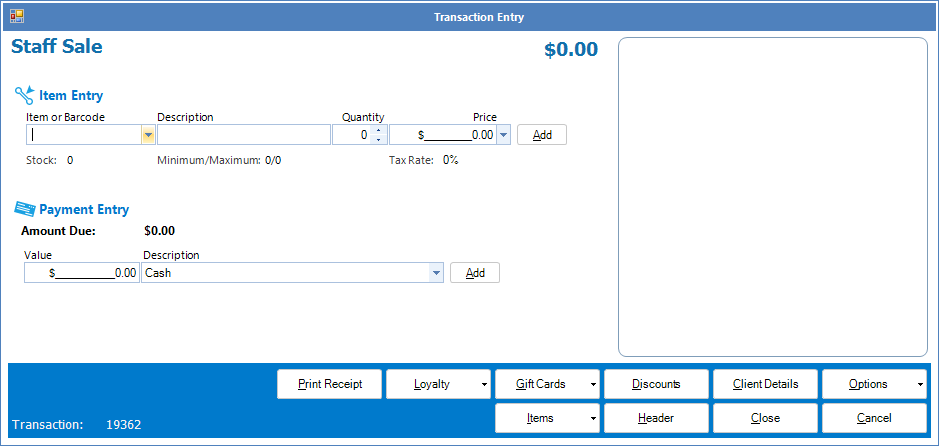
Step 3: To do a sale, simply select an item from the Item or Barcode field, amend the quantity and once done, select Add. The item in question will appear on the right.
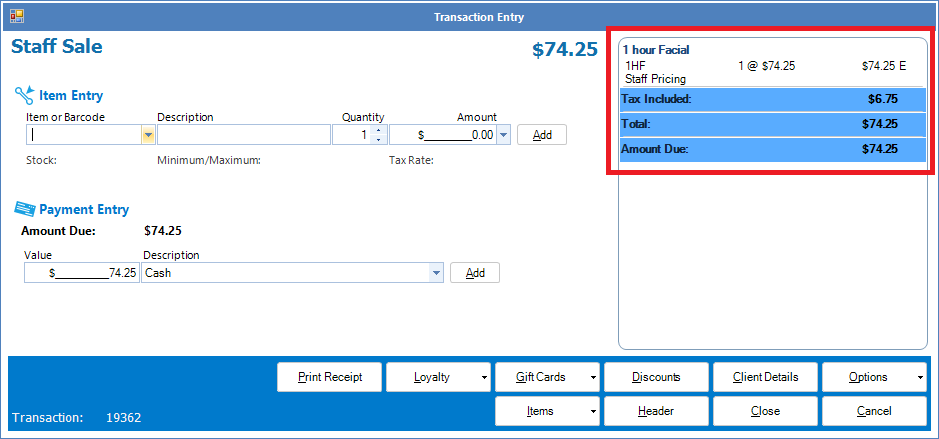
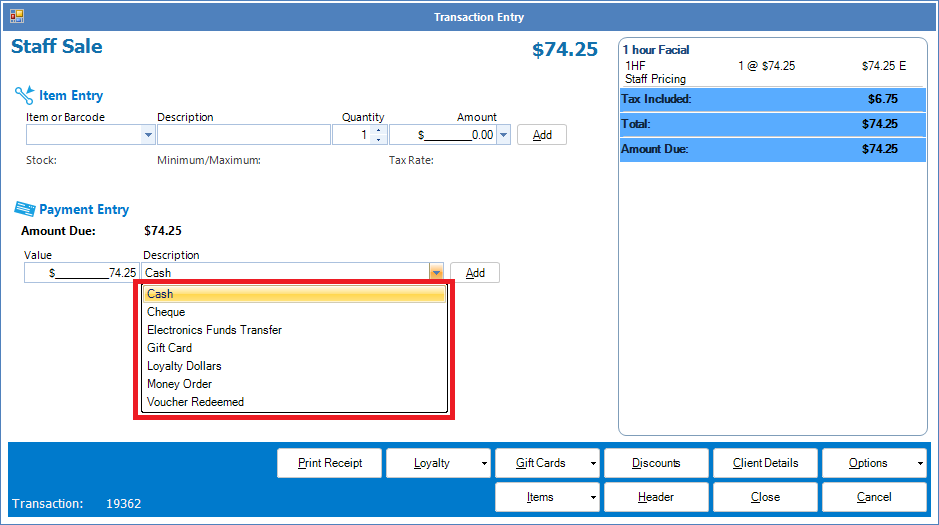
Step 4: Confirm the amount and select the appropriate payment entry and click Add.
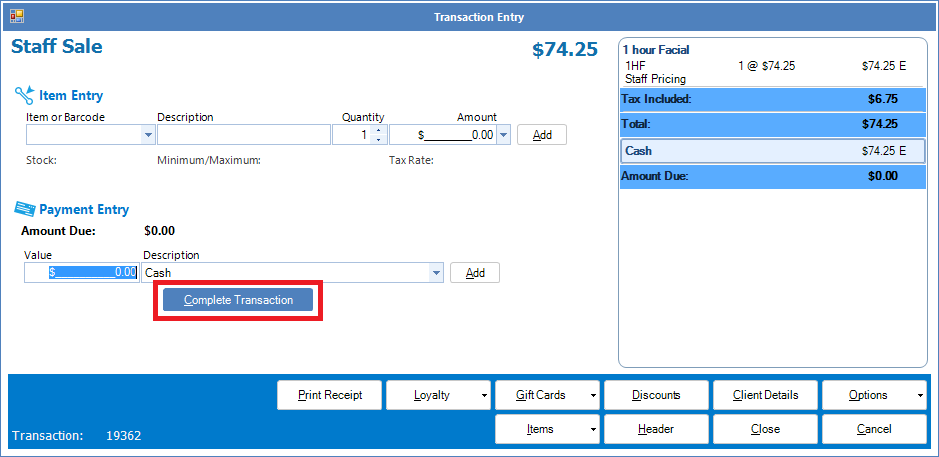
Step 5: Once the payment entry is selected, click Complete Transaction.
0 Comments