
If you have a touch screen computer, you can activate touch screen mode to make your transactions easier.
To activate:
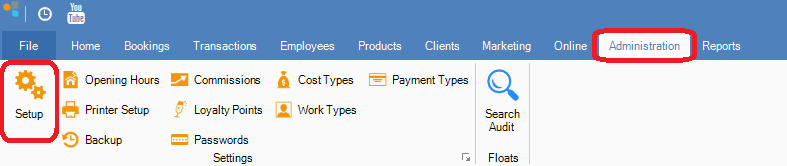
Step 1: Go to the Administration tab and select Setup.
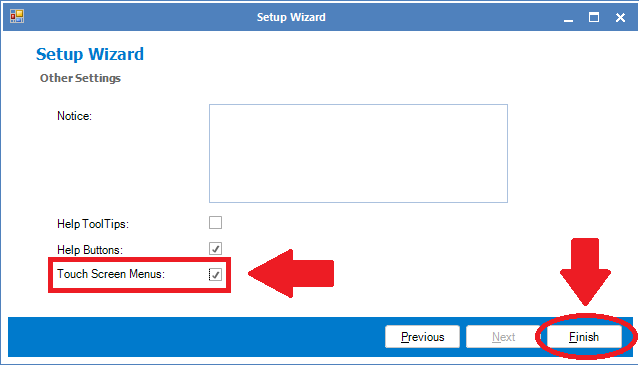
Step 2: You will see the Setup Wizard. Click Next until you reach the last page. To activate touch screen mode, ensure there is a tick and click Finish to save.
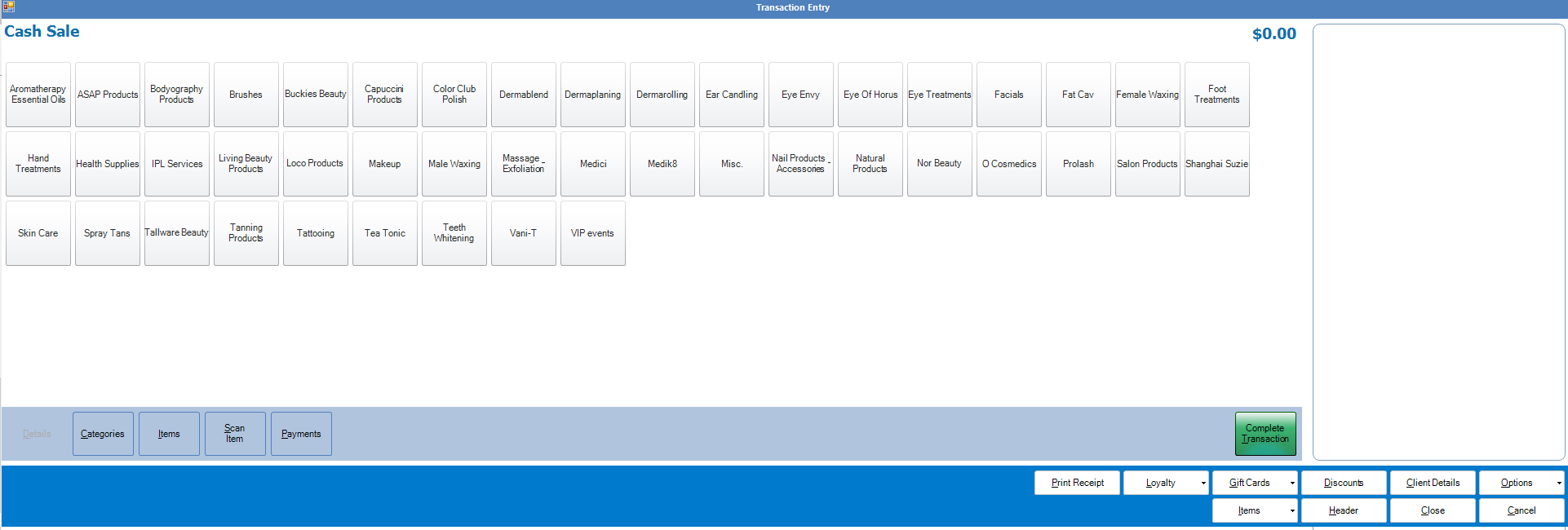
Step 3: Once saved, your Transaction Entry screen will now change to reflect touch screen mode.
To revert back to non-touch screen, simply reverse the process in Administration->Setup.
0 Comments