
Making a booking is easy on Konnect. To do so, you must first create an employee. To learn how to do this, click here.
Step 1: Double click on an empty spot within the booking calendar to bring up the Booking Wizard.
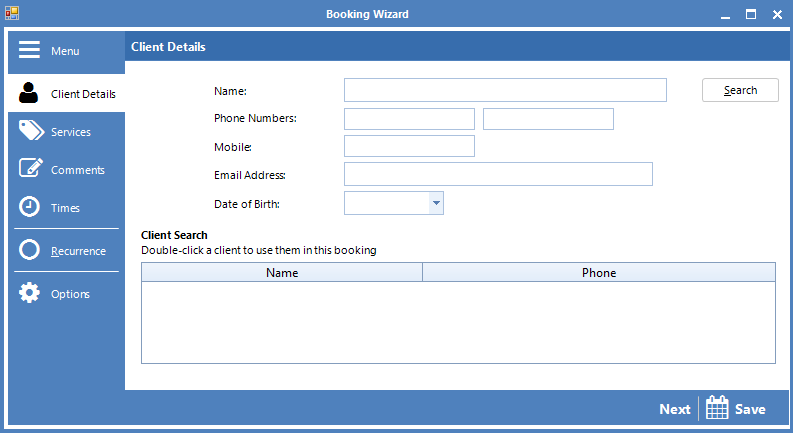
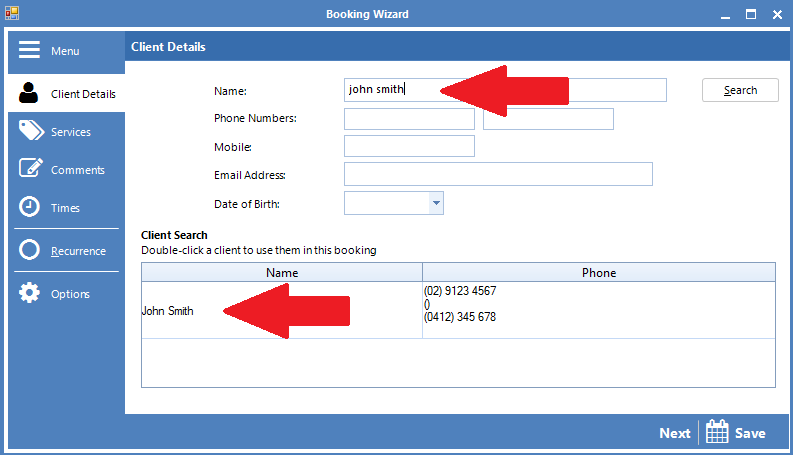
Step 2: Enter your client's name in the name field. A list of existing client names will appear matching your name entry. If it is a brand new customer, you may enter their details directly on client details. Once done, click Next.
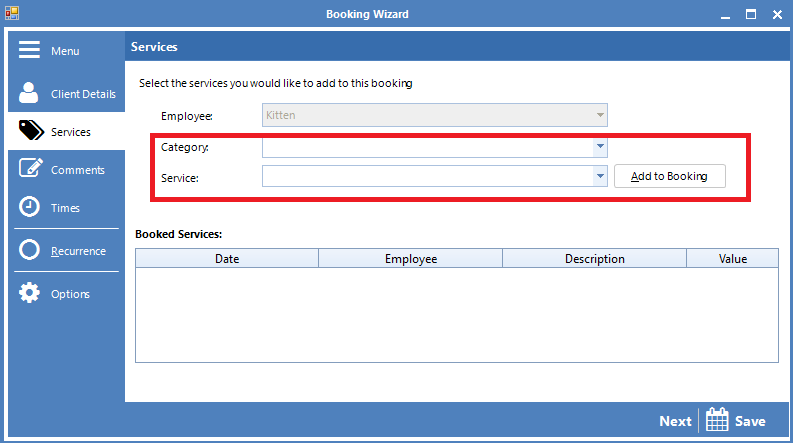
Step 3: In the Services tab, select the category and the service from the drop down menu and click Add to Booking. Once done, click Next.
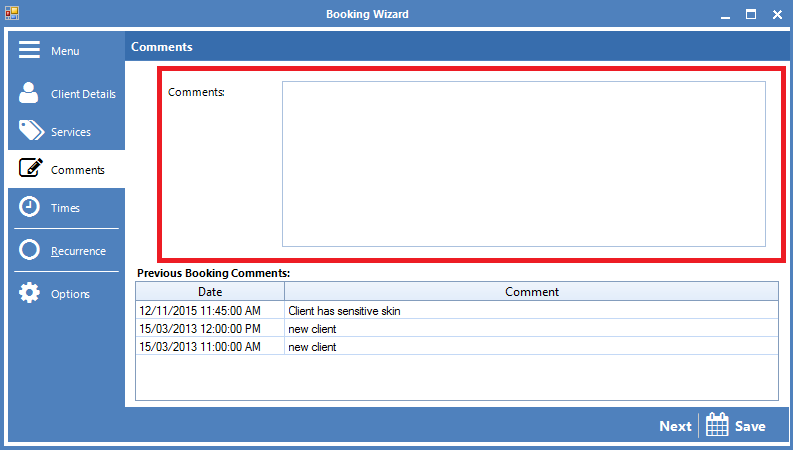
Step 4: If you need to enter a comment into the booking, you may do so here. If the client had previous booking comments, it will display below. Once done, click Next.
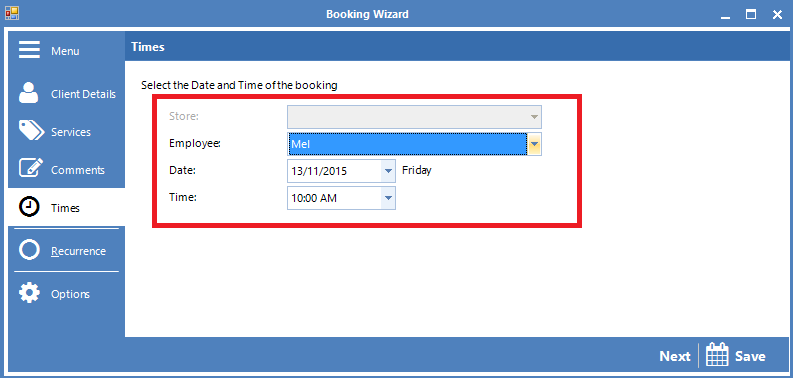
Step 5: In the next page you can re-confirm the employee booked with the client, along with the date and time. You can always change these details if needed. Click Save to save the booking onto the booking calendar.
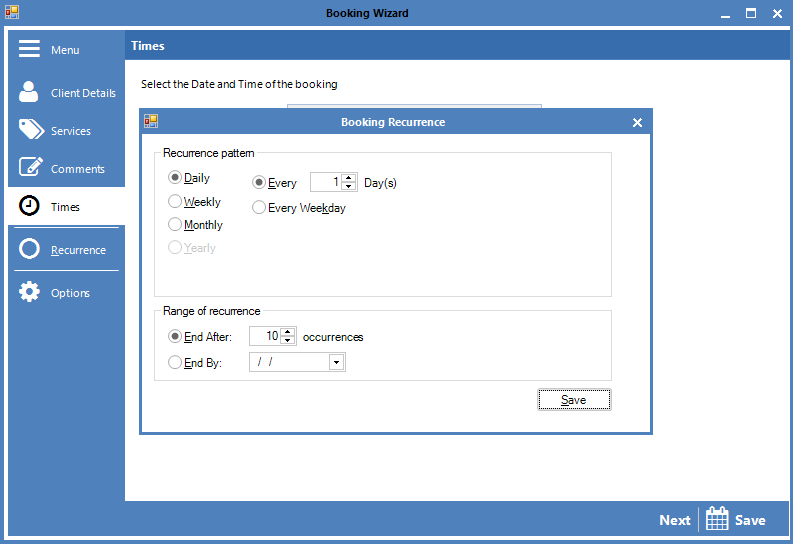
Hint: If you are booking a recurring appointment, you can click on the Recurrence tab and set the booking to repeat itself to whatever criteria you set.
YouTube Video:
0 Comments