
Xero (accounting software and online bookkeeping) is now intergrated into Konnect, making it easier to manage the financial aspects of your business.
Note that only your End of Day takings will be uploaded to Xero.
To activate, do the following:
Step 1: Go to the Transactions tab and select Xero Upload.

Step 2: The Xero Upload popup will appear asking for a validation code.
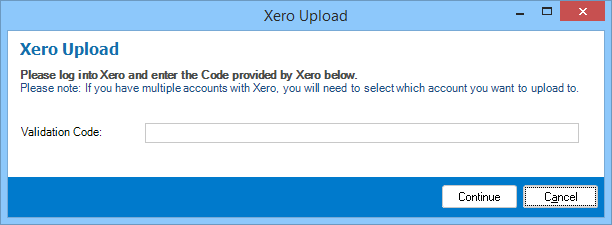
Step 3: To get the validation code, login to the Xero site.
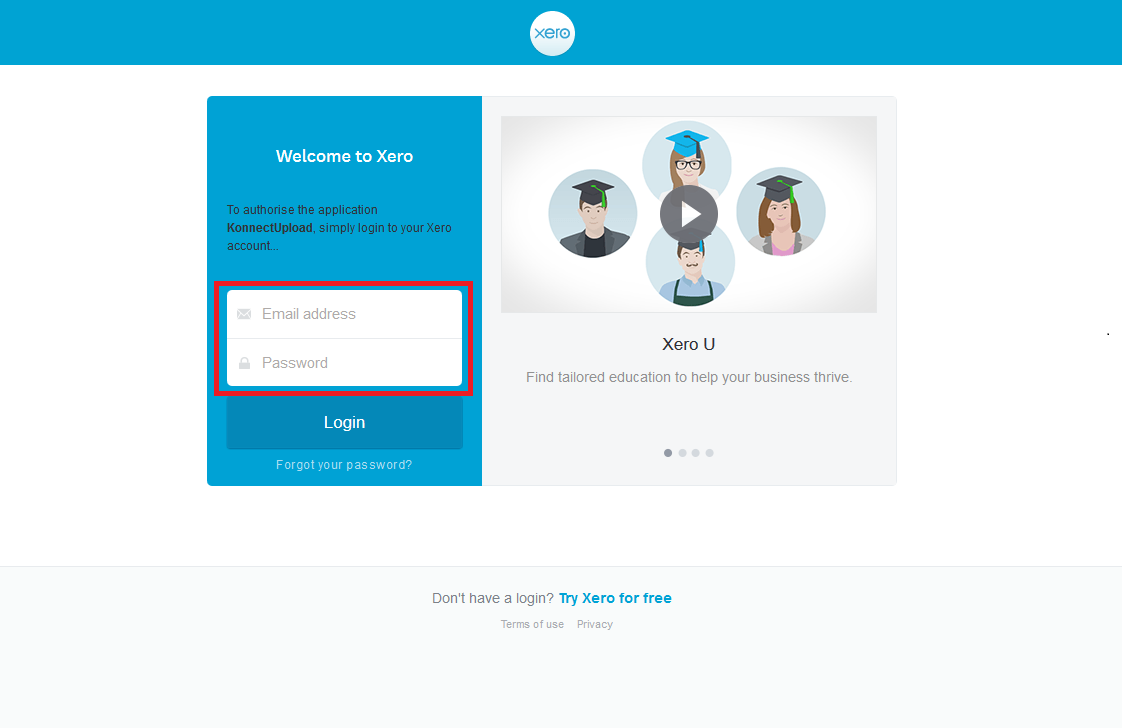
Step 4: Once logged in, you will be provided the validation code.
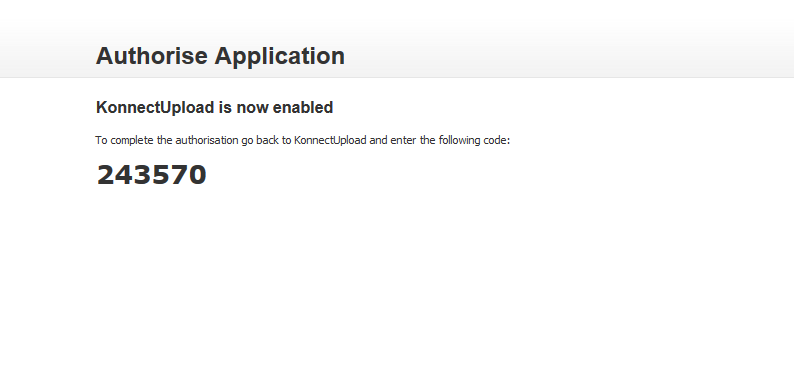
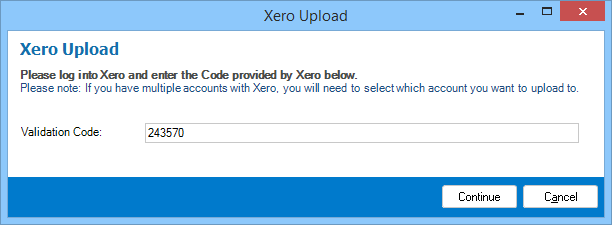
Step 5: Enter your validation code in the field and click continue.
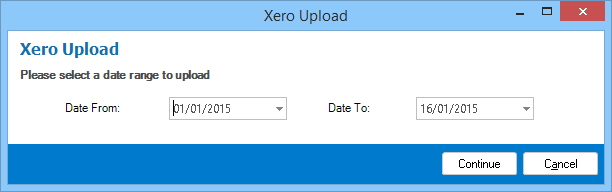
Step 6: Next enter your desired date range then click continue.
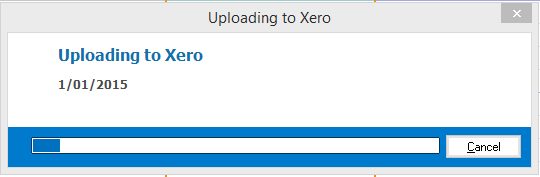
Step 7: Konnect will now begin uploading onto the Xero system.
YouTube Video:
0 Comments