
Step 1: Go to the Reports tab and select Sales Summary.

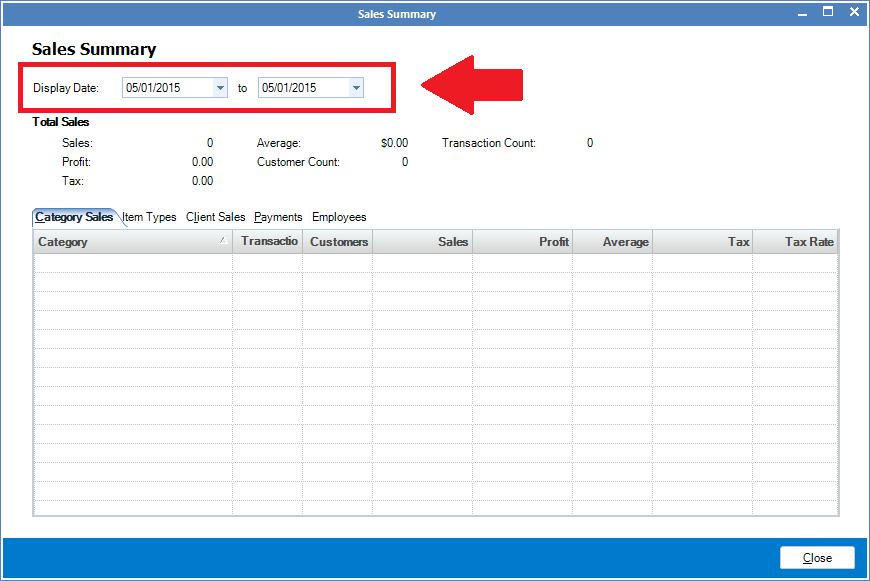
Step 2: The Sales Summary window will open. Enter the date range you wish to view the sales for.
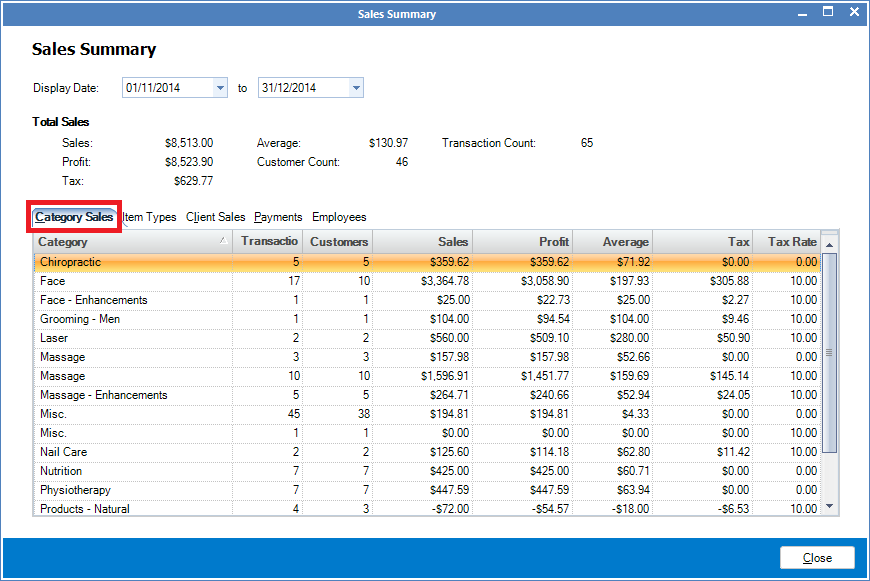
Step 3: The Category Sales tab will show you the sales taking under each category during the selected period.
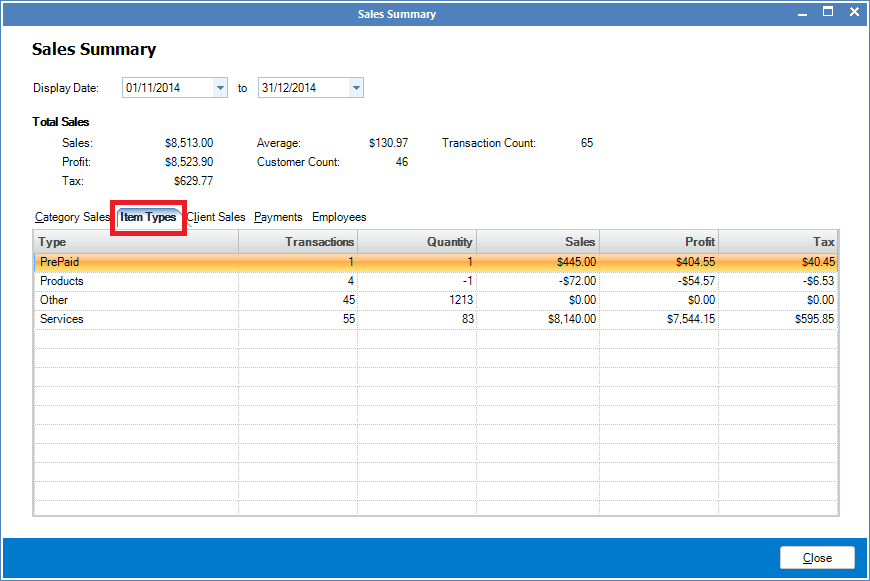
Step 4: The Item Types tab will show the type of items sold, such as products, services etc.
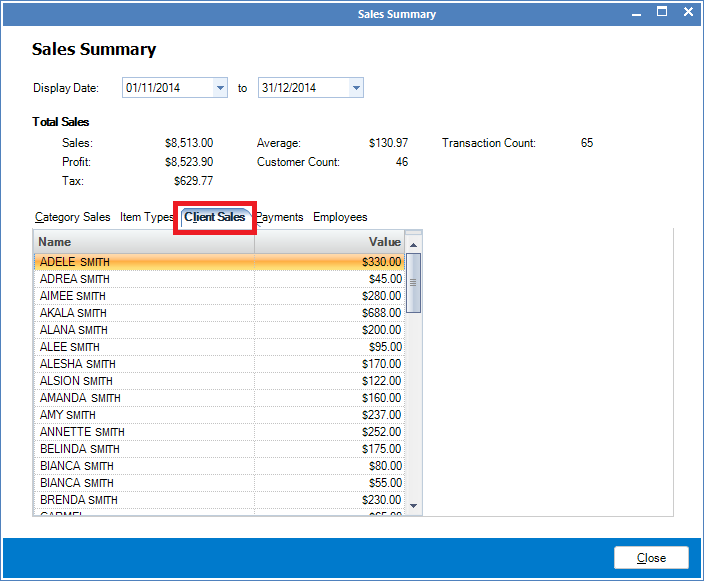
Step 5: The Client Sales tab will show you all the sales made to each client during the selected period.
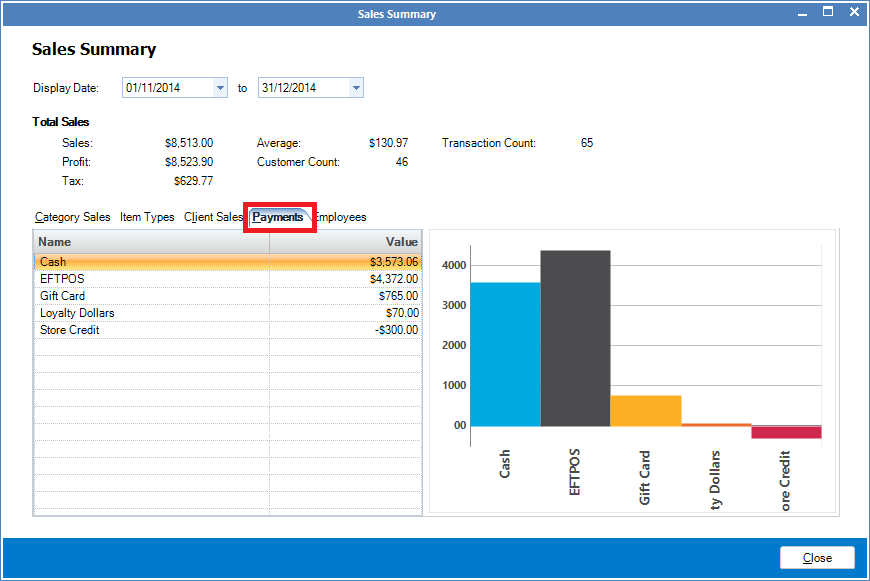
Step 6: The Payments tab will show you how the transactions were completed during the selected period.
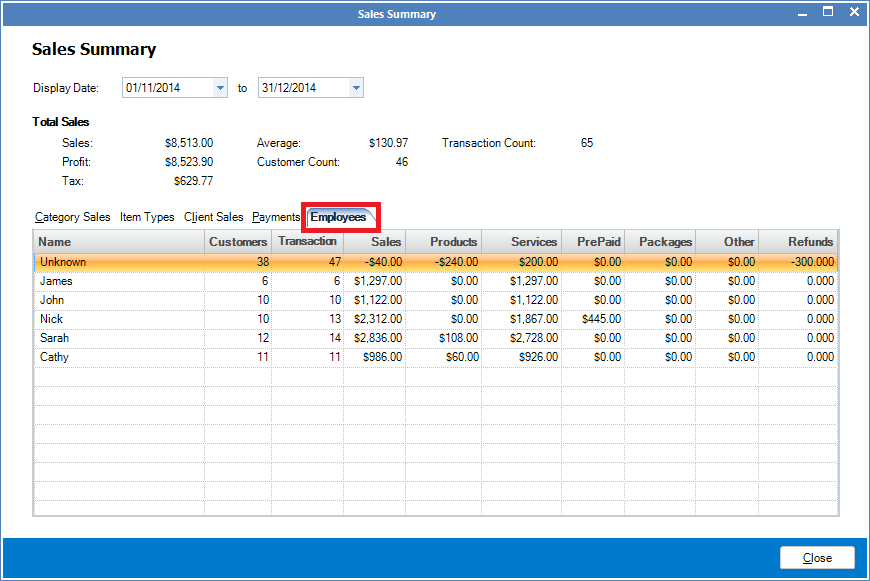
Step 7: The Employee Sales tab will show what each staff's total sales were for the selected period.
0 Comments