
Step 1: Go to the Products tab and select Search under Prepaid Packs.

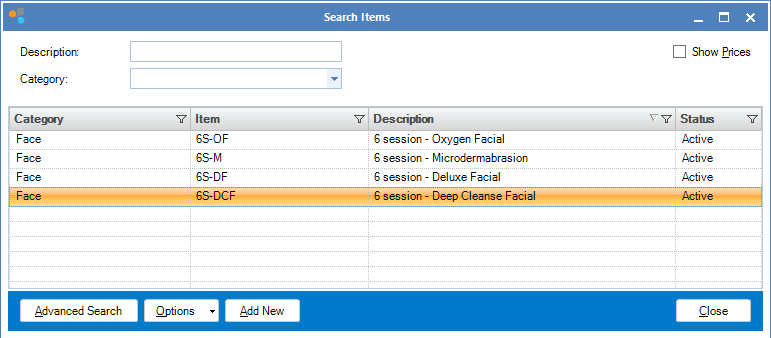
Step 2: The Search Items window will display. Search for the appropriate active prepaid package. To edit a prepaid package, double click on the package you wish to edit.
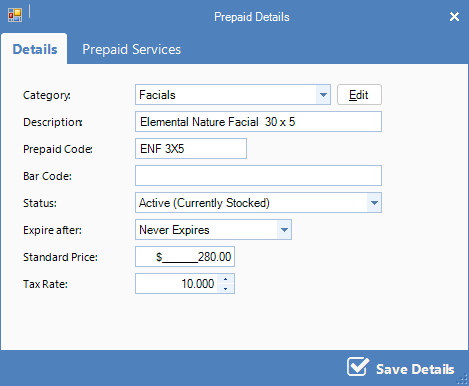
Step 3: The Prepaid Maintenance window will open. Change any of the details required, then click Prepaid Services.
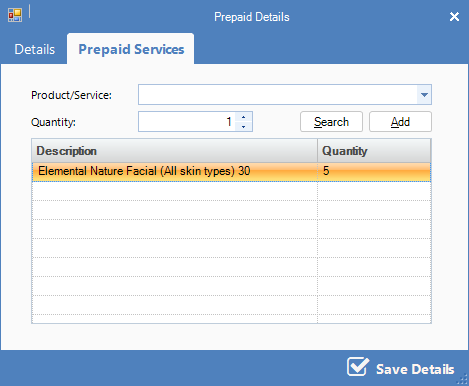
Step 4: You may remove a product or service by double-clicking on the item in the Prepaid Products and Services window. To add a new product, search for the appropriate product in the drop-down menu and click Add. Click Save Details to save your changes.
Youtube Video:
0 Comments