
Step 1: Go to the Products tab and select Search Services.

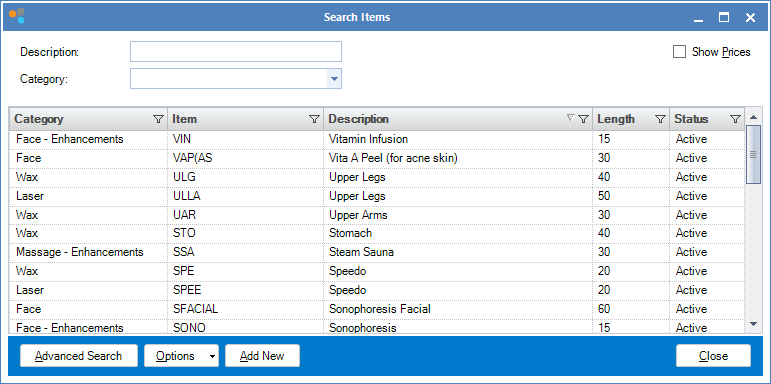
Step 2: The Search Items window will display. To edit a service, double click on the service you wish to edit.
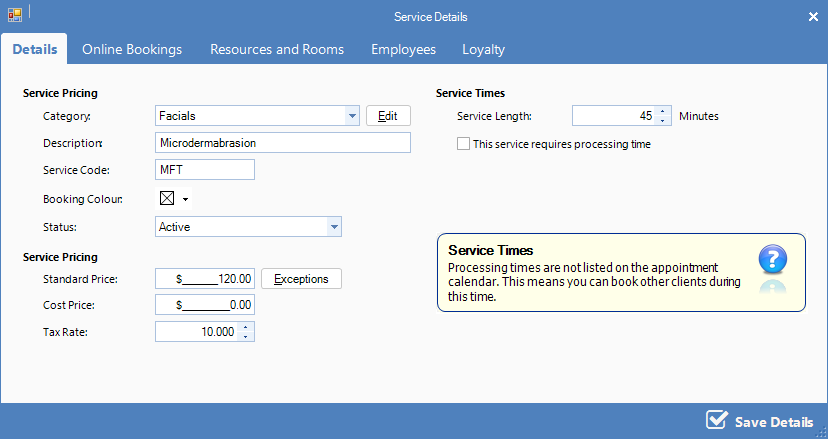
Step 4: The Service Maintenance window will display. Edit any information then click the top tabs to amend other settings, then click Save Details to save your changes.
YouTube Video:
0 Comments