
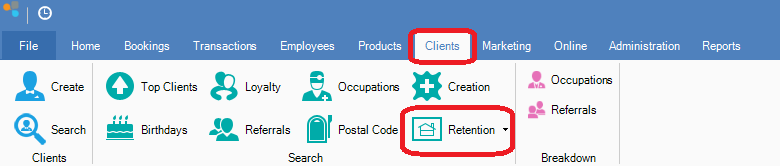
Step 1: Go to the Clients tab and select Retention.
Step 2: The Retention window will display. Select the dates to limit your search by choosing dates in the Visited Between to view clients that have visited your business on and between the dates chosen. You can also enter the number of days in which the client has not returned in the Have not returned in the past box. You may also choose the type of service they had the last time they were at the business by choosing an option from the Had Service drop down menu to further limit your search.
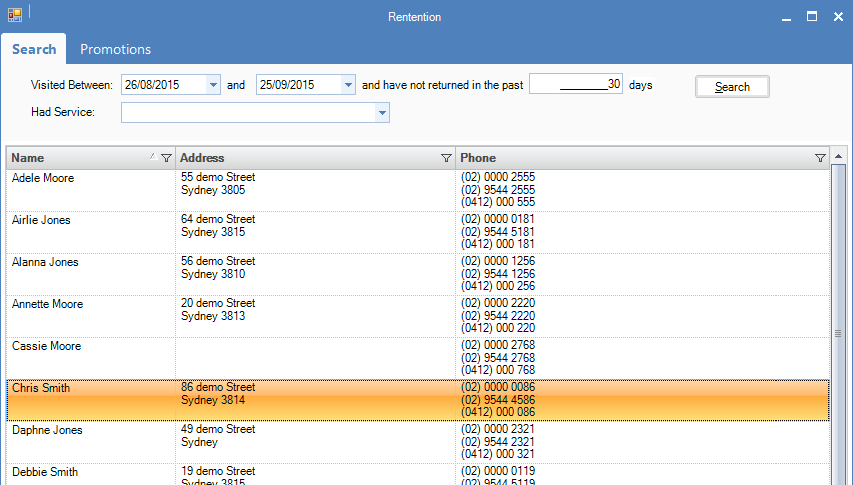
Hint: You can also run a promotion based on the retention list by clicking the Promotion tab at the top.
YouTube Video:
0 Comments