
To display messages sent to a single client:
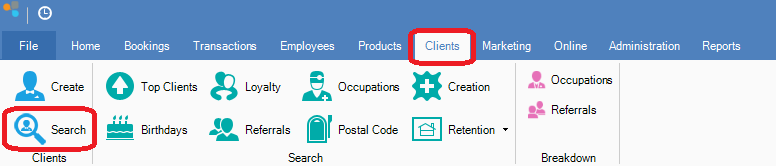
Step 1: Go to Clients and select Search.
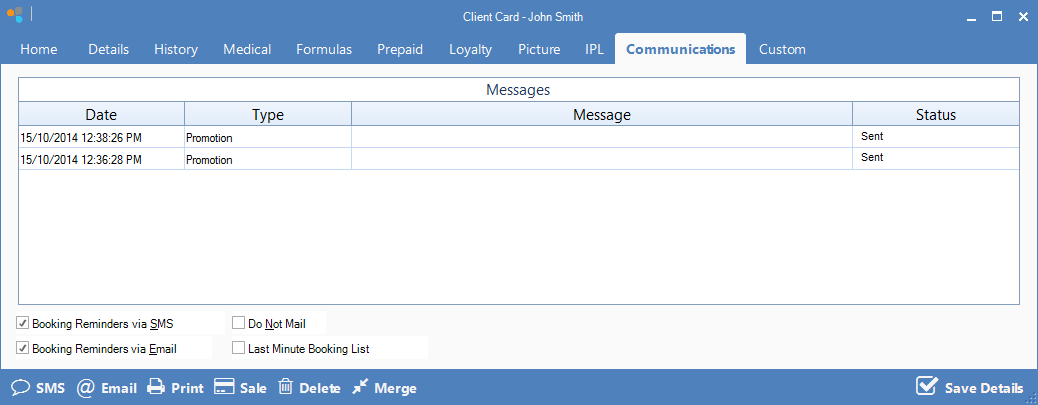
Step 2: Locate the client's card and select the Communications tab to view all the messages sent to that client.
To display all messages sent to and from your clients:
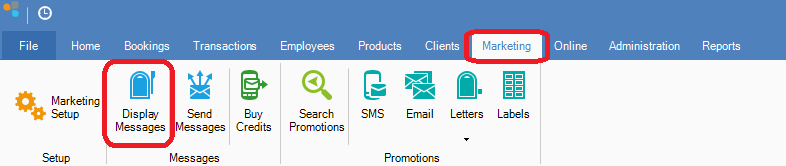
Step 1: Go to the Marketing tab and select Display Messages.
0 Comments