
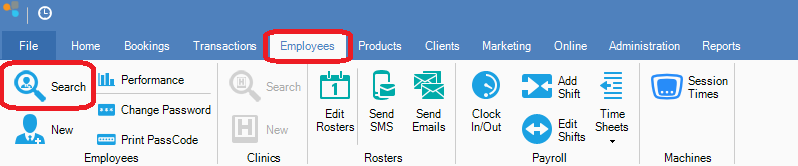
Step 1: Go to the Employees tab and select Search.
Step 2: The Search Employees screen will appear. This will have the full list of active employees.
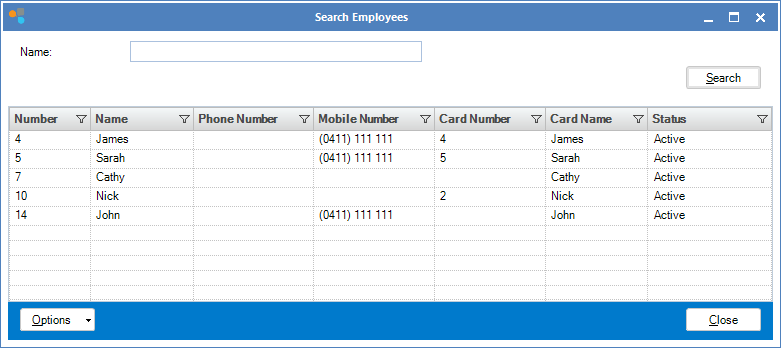
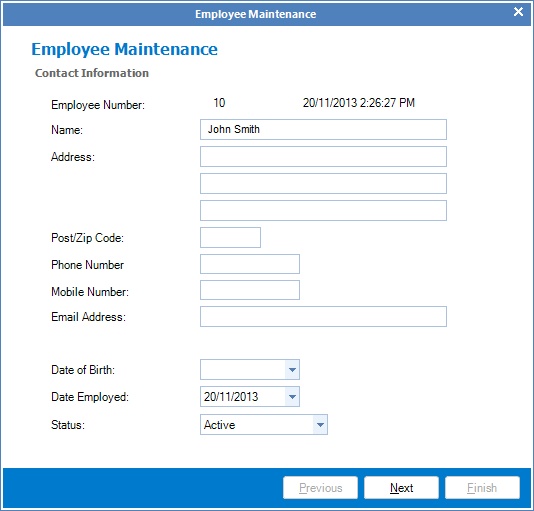
Step 3: Once you locate the employee double click on their name to bring up the Employee Maintenance screen.
YouTube Video:
0 Comments