
Selling a prepaid pack:
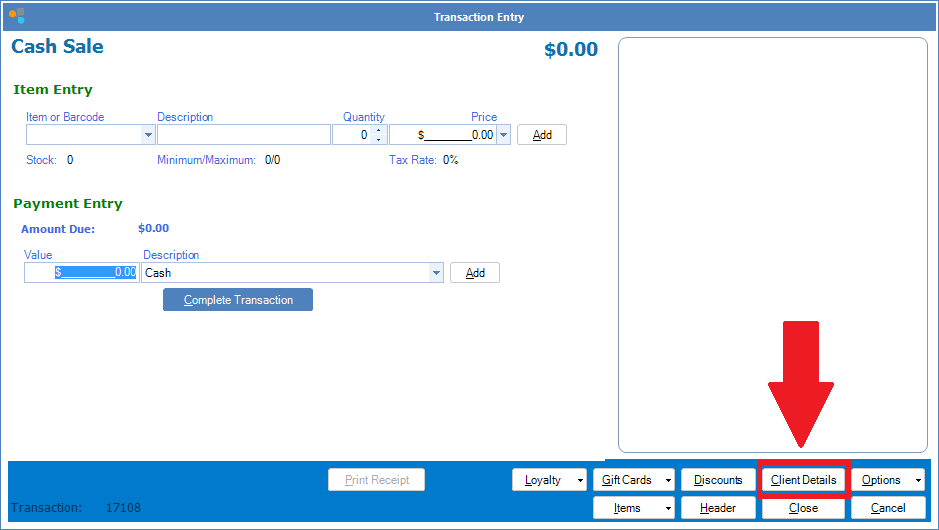
Step 1: Open a Cash Sale and select Client Details.
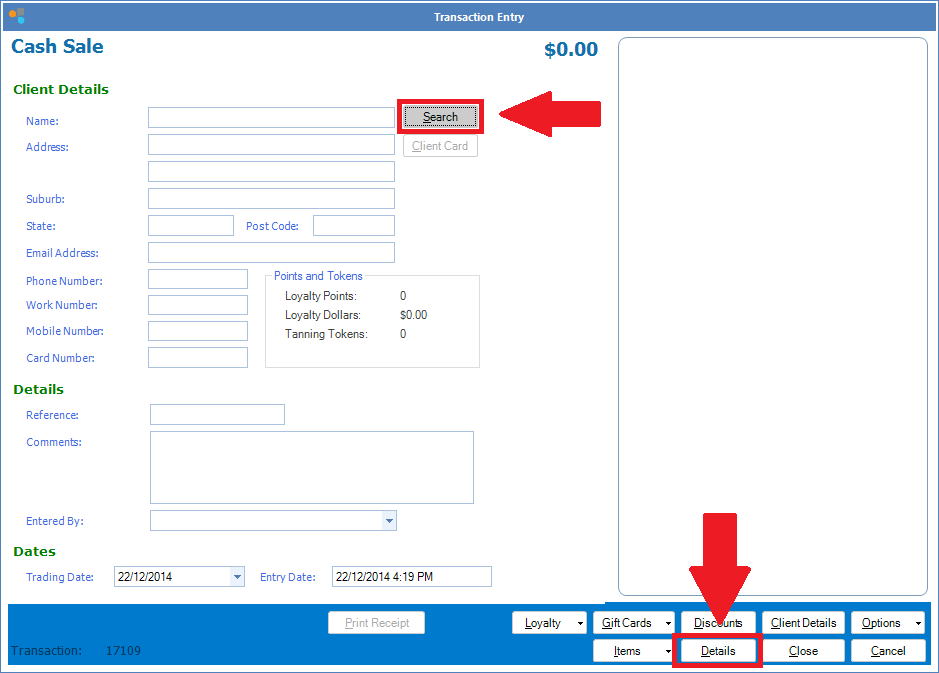
Step 2: If the client is brand new, enter their details as thoroughly as possible. If they are an existing client, click Search. Click Details to go back to the Item Entry screen.
Step 3: Click Item or Barcode, then select Prepaid Packages under Item Type.
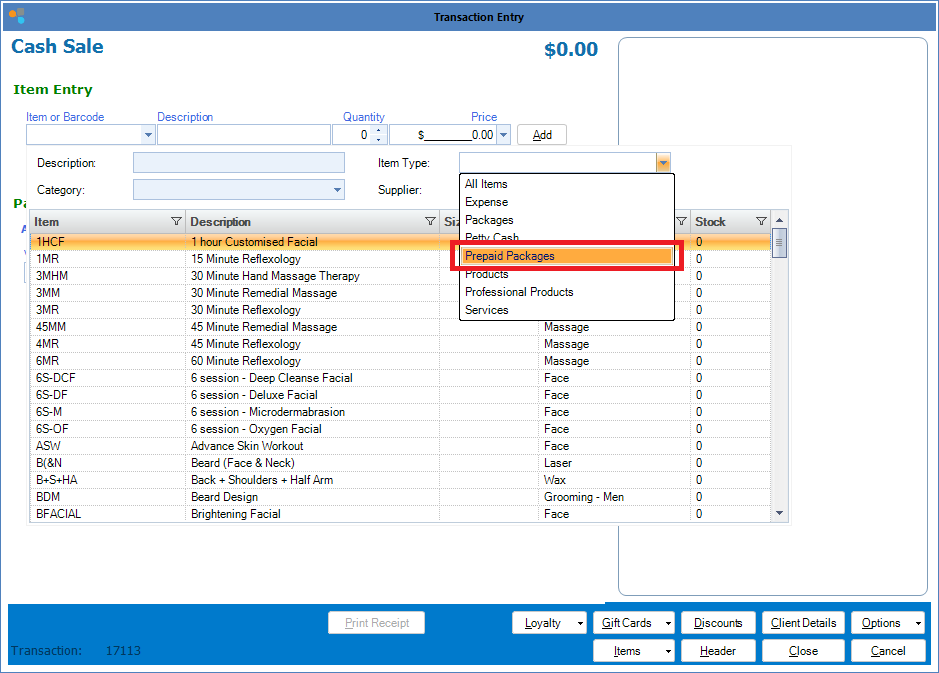
Step 4: Once the package is found, double click to add into the transaction entry.
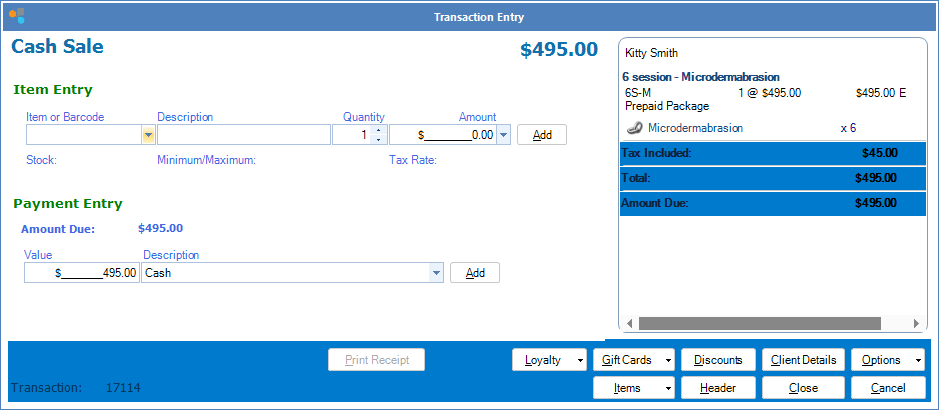
Step 5: Complete the sale as per normal.
YouTube Video:
0 Comments