
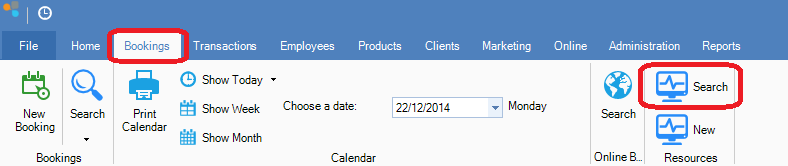
Step 1: Go to the Bookings tab and select Search within Resources.
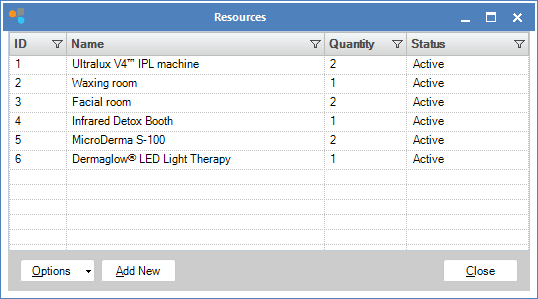
Step 2: The Resources window will show. This will give you a list of current active Resources.
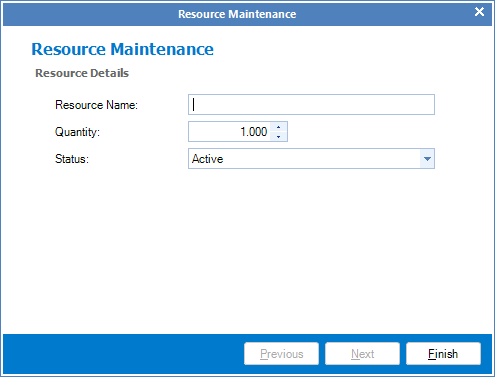
Step 3: To edit a resource, double-click on it to open the Resource Maintenance screen. You may now proceed with amending the Resource.
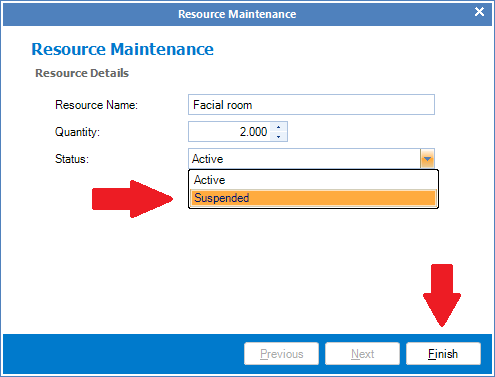
Step 4: If you no longer need to use the resource, change the status to Suspended and click Finish.
0 Comments