
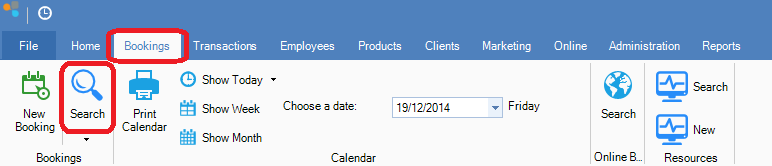
Step 1: Click on the Bookings tab and select Search.
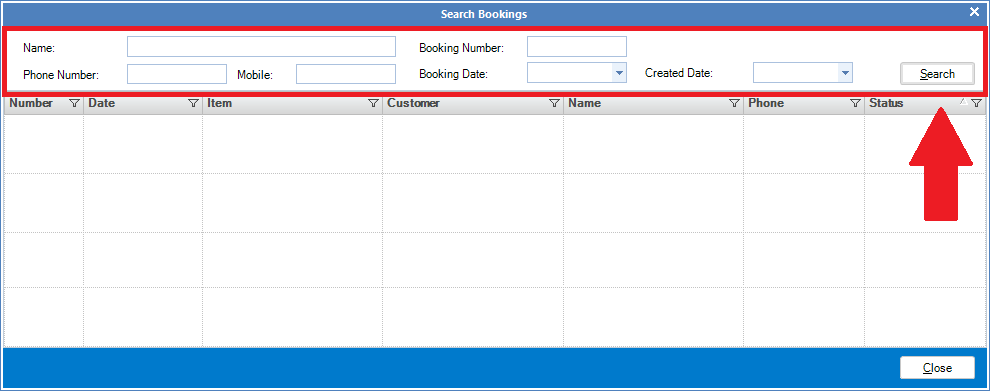
Step 2: The Search Booking screen will appear. Fill in the details about the booking you wish to look up and then click Search. Once you have found your booking, double click to open.
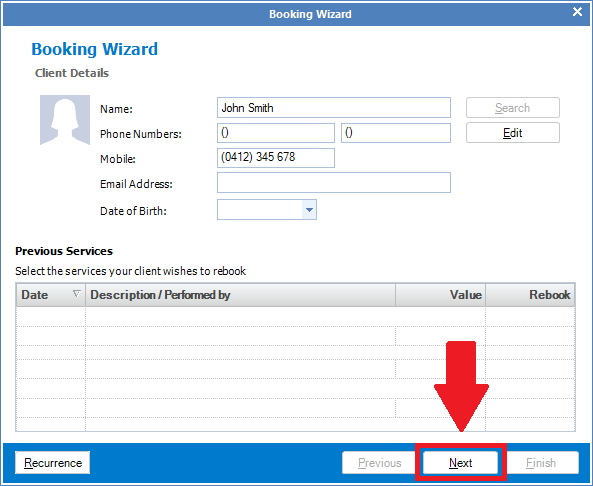
Step 3: The Booking Wizard will display. You can click Next to see more details about that particular booking.
YouTube Video:
0 Comments