
Step 1: Go to the Products tab and select Search Gift Cards.

Step 2: The Search Gift Card screen will appear. Use the available search options to locate the gift card.
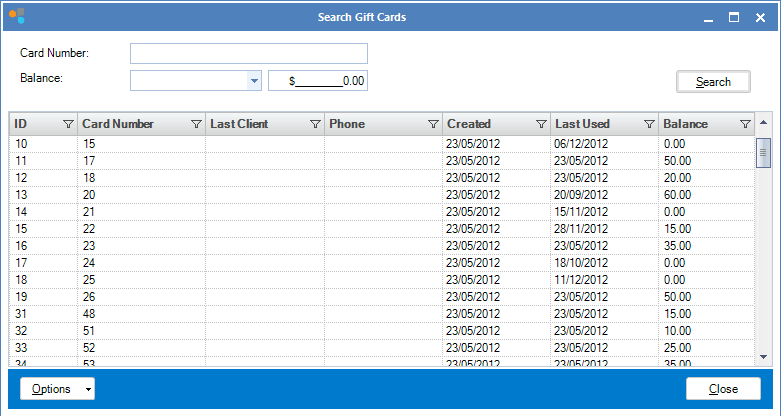
Step 3: Once located, double click to bring up the Gift Card History.
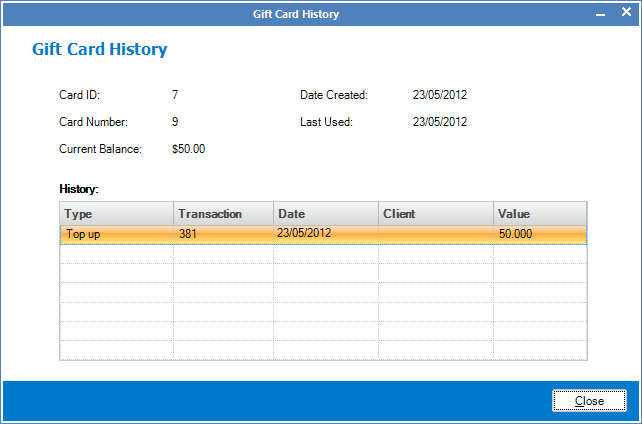
To view the history of a gift card you know the number of:
Step 1: Go to the Products tab and select Card History.

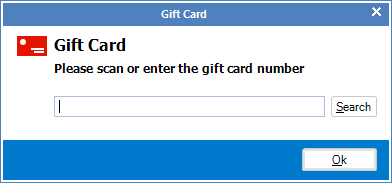
Step 2: When prompted, enter the gift card number or scan it using your barcode scanner.
Step 3: The Gift Card History will appear.
YouTube Video:
0 Comments