
Loyalty points and/or dollars can be overridden or cancelled within a transaction if required.
To override:
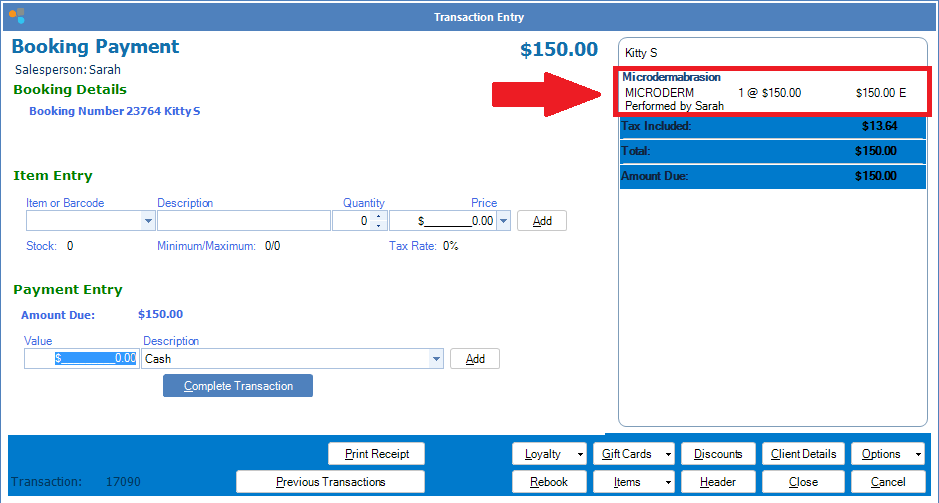
Step 1: Click on the product or service within the Payment Entry.
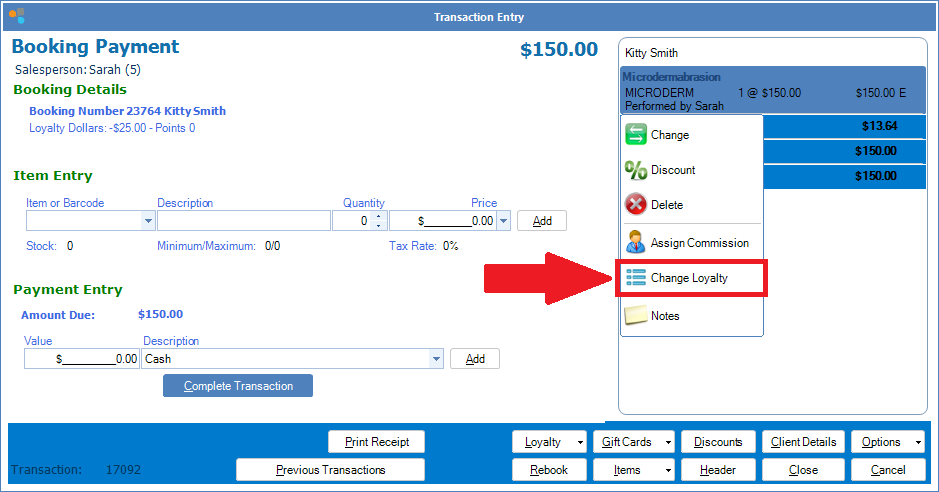
Step 2: A list of options will appear. Select Change Loyalty.
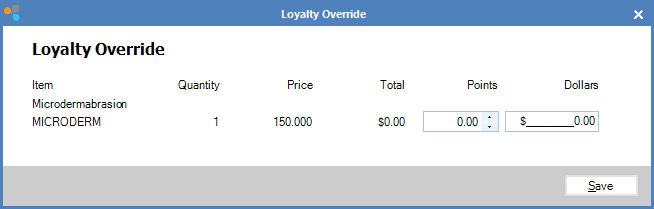
Step 3: The Loyalty Override screen will appear. Enter the required dollars and/or points and click Save.
0 Comments