
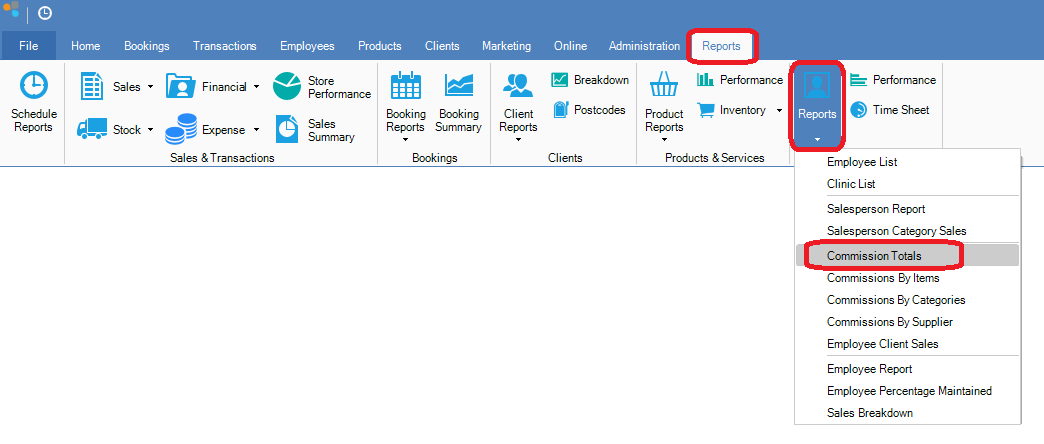
Step 1: Go to the Reports tab, select employee Reports and click Commission Totals.
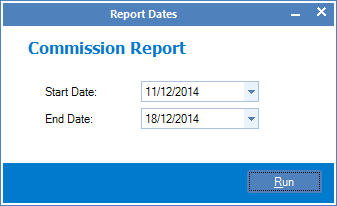
Step 2: The Report Dates page will show. Select the starting and ending dates you would like to see in the report and click Run.
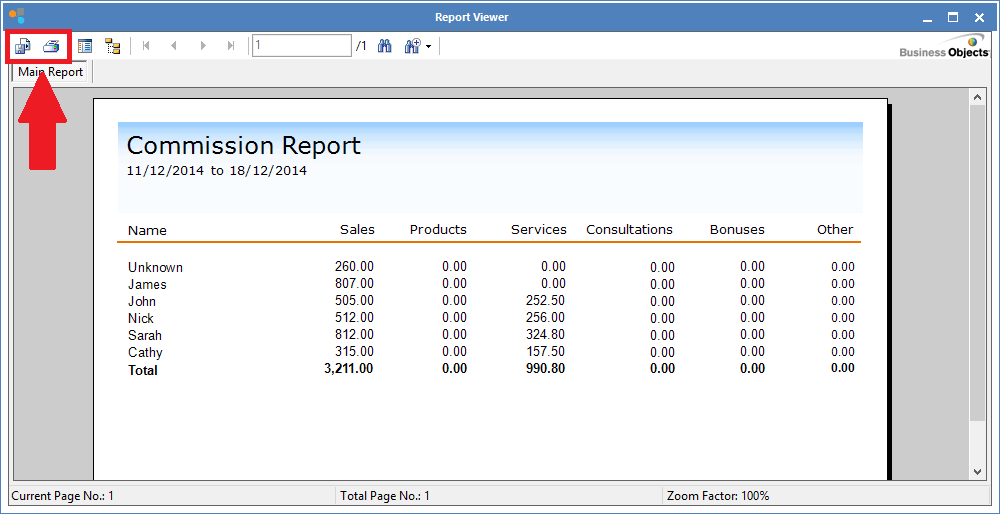
Step 3: The report will then be generated. You can then either save or print by clicking the icons above.
0 Comments