
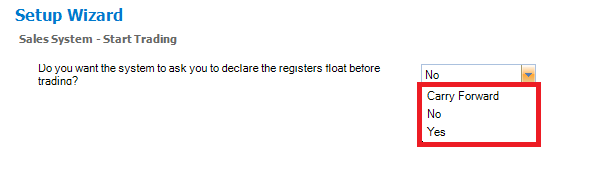
Konnect has 3 cash float system:
1. Carry Forward - Konnect will use the declared End Trading values as the next day's float.
2. No - Konnect will not maintain a cash float.
3. Yes - Konnect will ask you to declare the float each time Start Trading is commenced.
Note: Once a float has been declared it cannot be changed until the next trading day.
How to set Konnect to use a float.
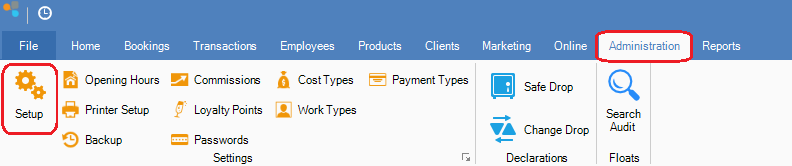
Step 1: Go to Administration and select Setup.
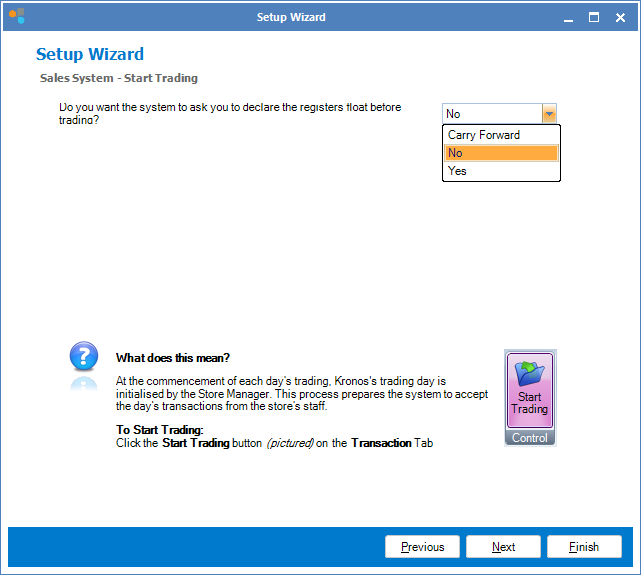
Step 2: The Konnect setup wizard will display. Click Next until you see Sales System - Start Trading. You may now select the settings as desired and once done, click Finish.
0 Comments