
Step 1: Go to the Reports tab and select Booking Summary.

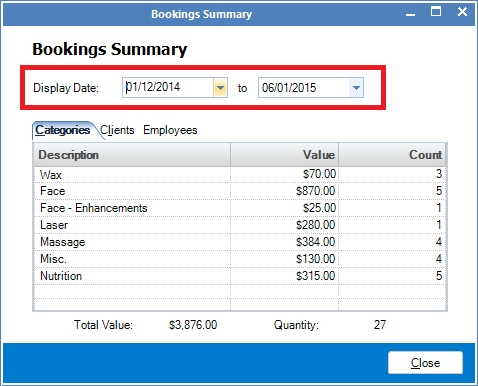
Step 2: The Booking Summary window will open. Enter the period you wish to view the summary for by picking a start and end date. All bookings on and between the chosen dates will appear.
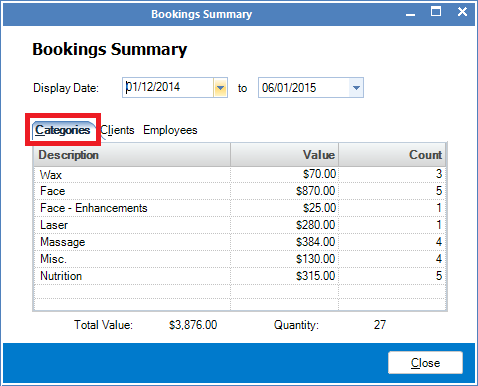
Step 3: The Categories tab will show you the summary of all bookings between the selected dates, by what category they were sold under.
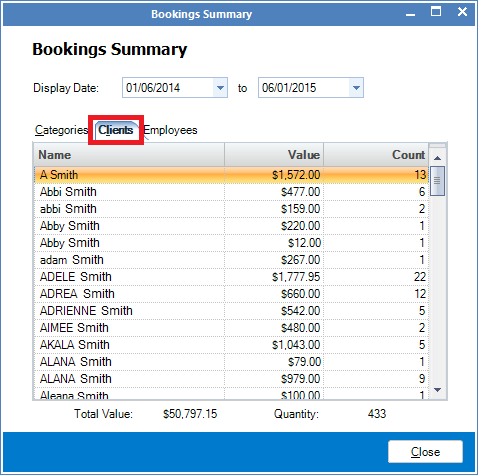
Step 4: The Clients tab will show you all clients who had bookings during the selected period and the value spent.
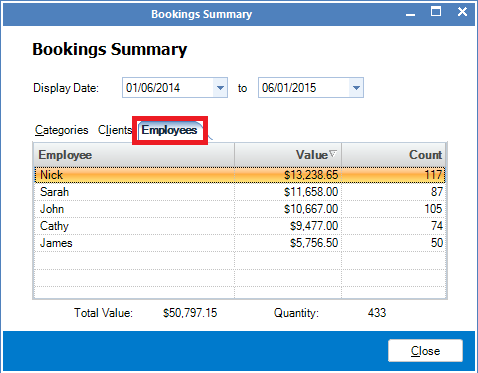
Step 5: The Employees tab will show you the amount of bookings each employee has taken during the selected dates, and the total value of the bookings.
0 Comments