
Step 1: Go to the Clients tab and select Creation.
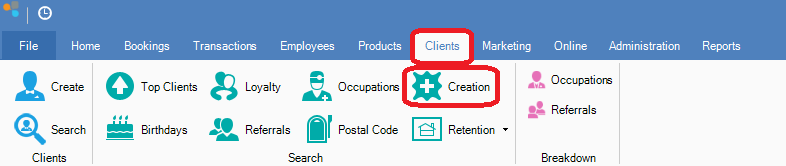
Step 2: The New Clients window will open. Choose the dates to limit your search using the Created Between drop-down menus. This will then display all clients created between the dates you have set.
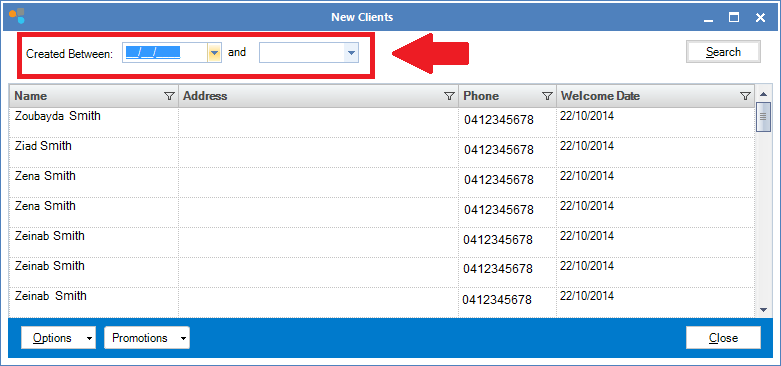
Step 1: Go to the Clients tab and select Creation.
Step 2: The New Clients window will open. Choose the dates to limit your search using the Created Between drop-down menus. This will then display all clients created between the dates you have set.
0 Comments