
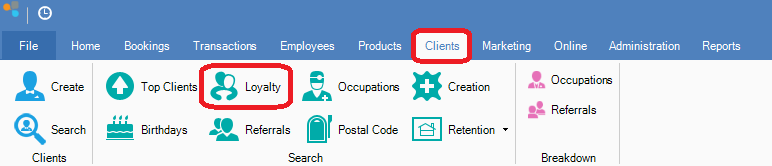
Step 1: Go to the Clients tab and select Loyalty.
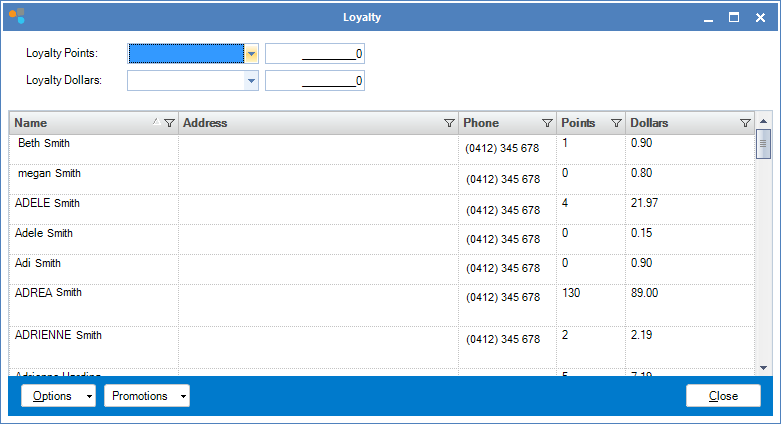
Step 2: The Loyalty screen will open. Enter the amount of Loyalty Points or Dollars to show any clients that have a greater/lesser value than the amount you have entered.
Step 1: Go to the Clients tab and select Loyalty.
Step 2: The Loyalty screen will open. Enter the amount of Loyalty Points or Dollars to show any clients that have a greater/lesser value than the amount you have entered.
0 Comments