
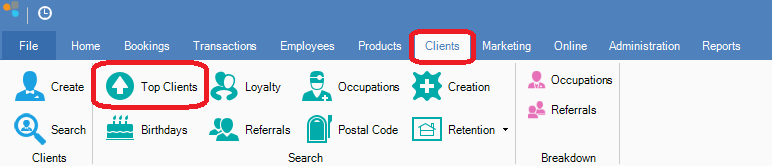
Step 1: Go to the Clients tab and select Top Clients.
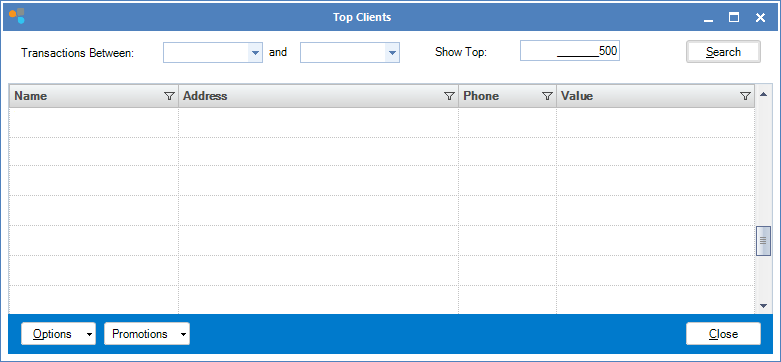
Step 2: The Top Clients window will open. You will be able to see clients and the amount they have spent in your store. You can also use the fields to find the top clients within a certain date period.
0 Comments