
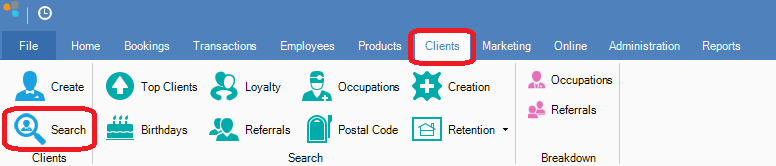
Step 1: Go to the Clients tab and select Search.
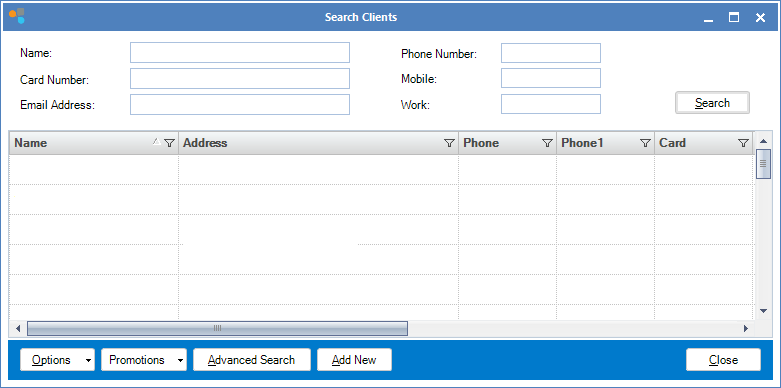
Step 2: The Search Clients window will open. You can limit the search for a client by entering client details (eg. typing 'Kelly' in the Name field will only show clients with the first or last name of Kelly)
YouTube Video:
0 Comments