
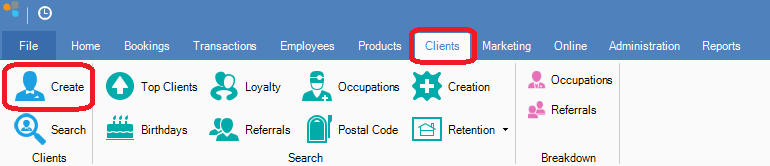
Step 1: Go to the Clients tab and select Create.
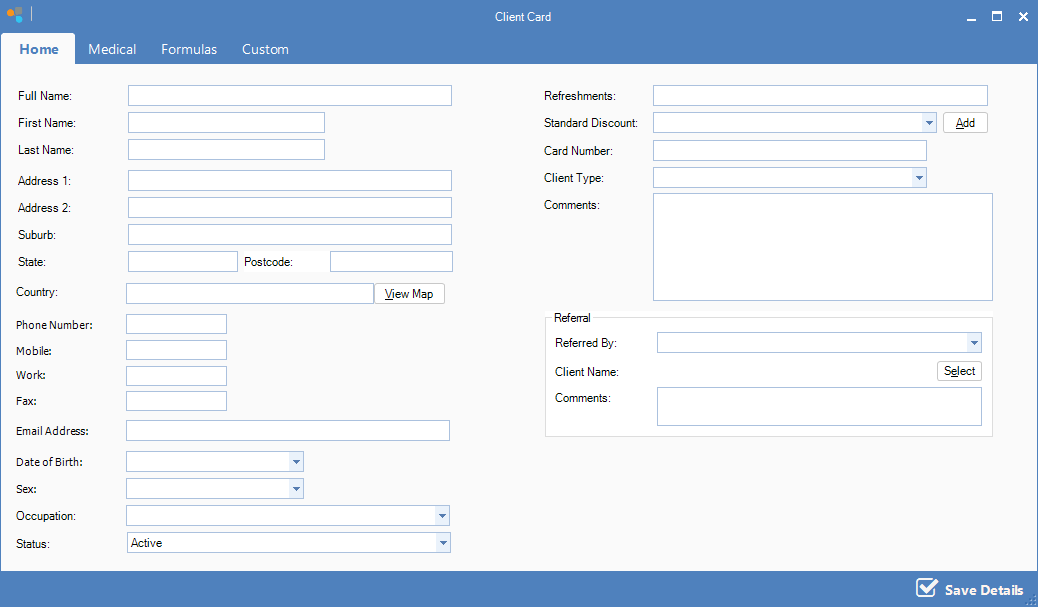
Step 2: The Client Card window will open. Enter all the client details and click Save.
YouTube Video:
Step 1: Go to the Clients tab and select Create.
Step 2: The Client Card window will open. Enter all the client details and click Save.
YouTube Video:
0 Comments