
Step 1: Go to the Products tab and select Search Supplier.

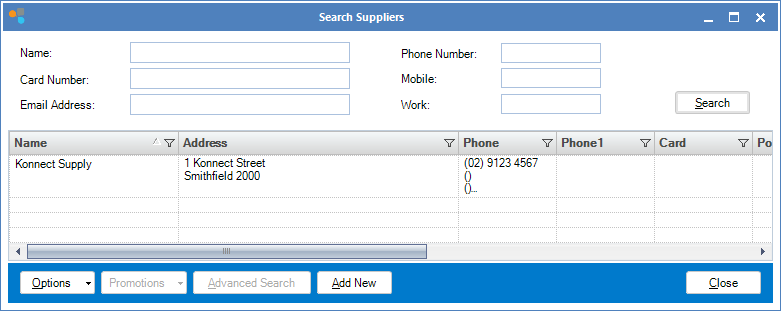
Step 2: The Search Supplier window will open. Use the fields to search for your supplier. To Edit a supplier, double click on their name.
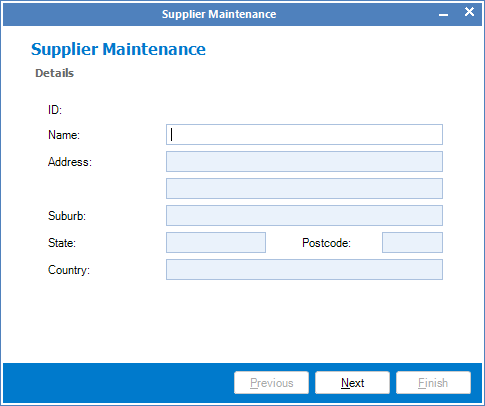
Step 3: The Supplier Maintenance window will open. Change the details as required. Click Next to go through the pages and once done, click Finish to save your changes.
YouTube Video:
0 Comments