
Step 1: Go to the Products tab and select Create Supplier.

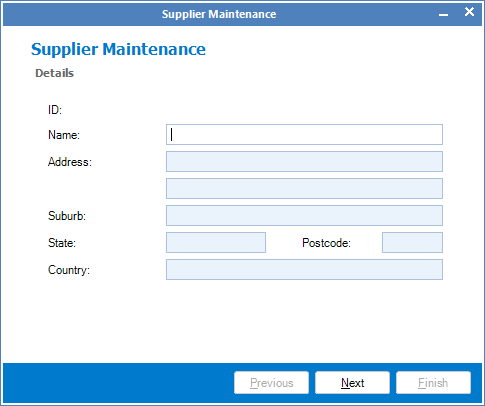
Step 2: The Supplier Maintenance screen will open. Follow the prompts and fill in all the information as thoroughly as possible and once done, click Finish to save your new supplier.
YouTube Video:
0 Comments