
Step 1: Go to the Products tab and select Performance.

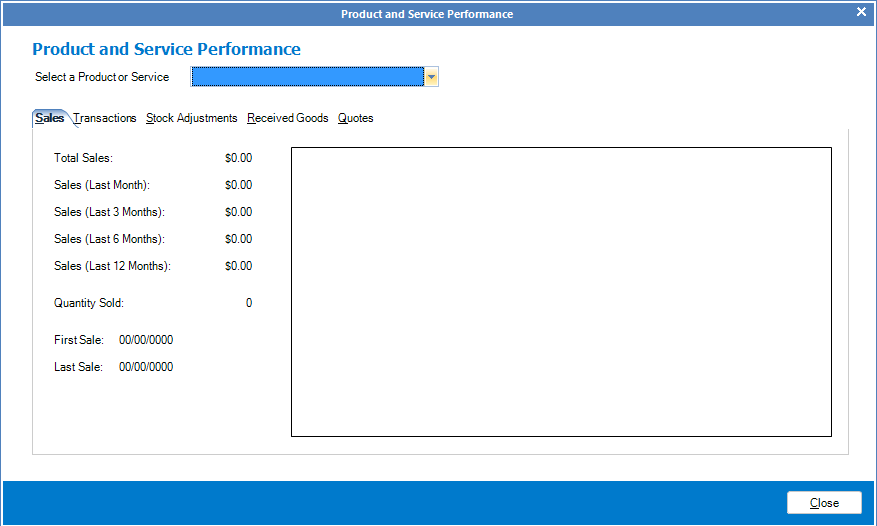
Step 2: The Product and Service Performance window will display. Enter the product or service in the Select a Product or Service box. All details will be shown in the graph, as well as a breakdown of sales.
YouTube Video:
0 Comments