
Step 1: Go to the Products tab and select Search Products.

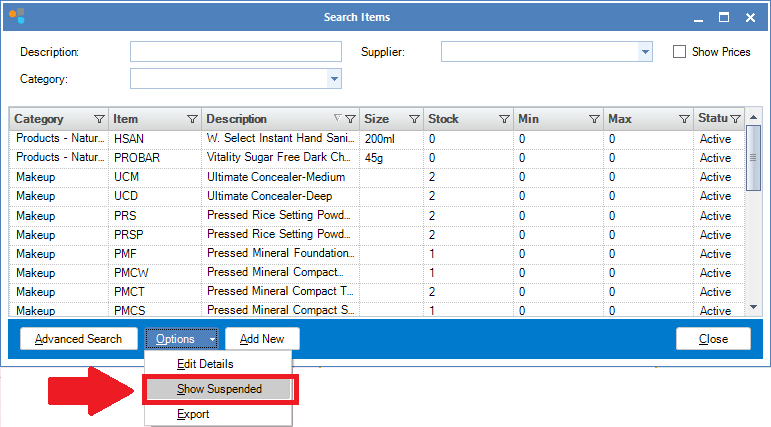
Step 2: The Search Items window will display. Click Options and ensure Show Suspended is ticked.
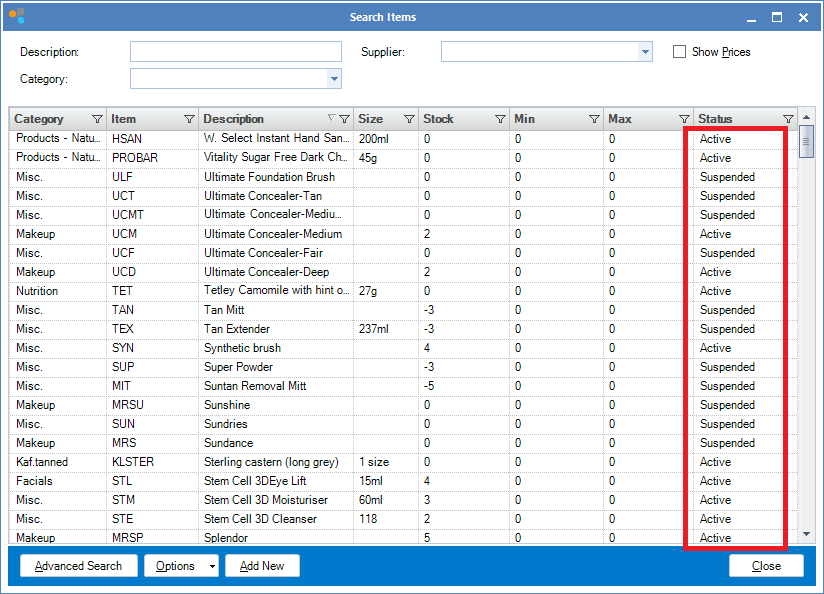
Step 3: Suspended items will now appear with your active stock products. Double click the item you wish to reactivate.
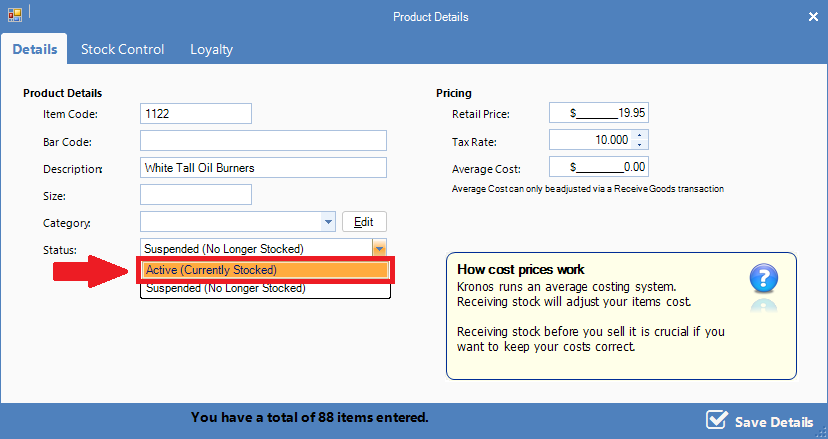
Step 4: The Item Maintenance window will display. Change the status field to Active (Currently Stocked). Click Next until you reach the last page then select Finish.
YouTube Video:
0 Comments