
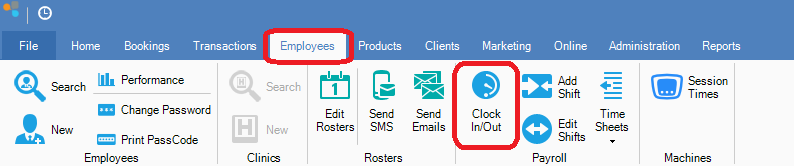
Step 1: Go to the Employees tab and select Clock in/out.
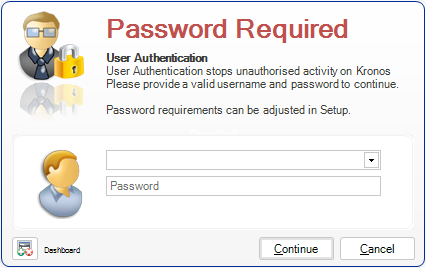
Step 2: You will be prompted to enter your Username and Password. Once entered, click Continue.
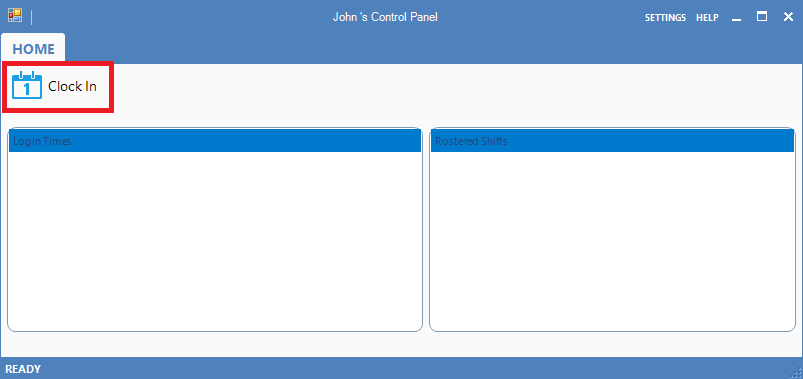
Step 3: Your Users Control Panel window will display. Click Clock In.
Step 4: The Work Type window will display. Click on the appropriate work type.

Step 5: Your Users Control Panel window will display again, showing your login times.
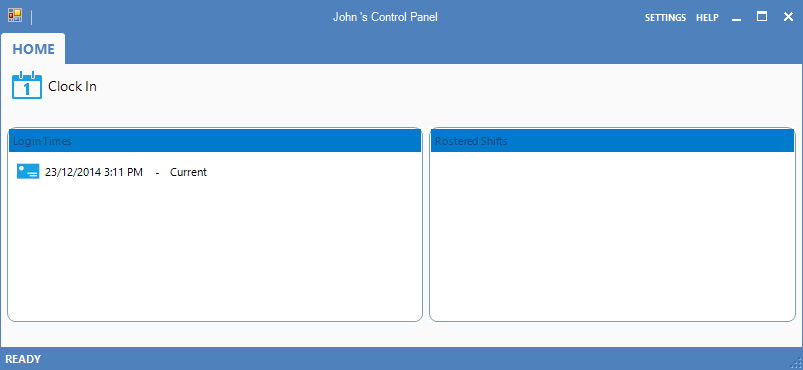
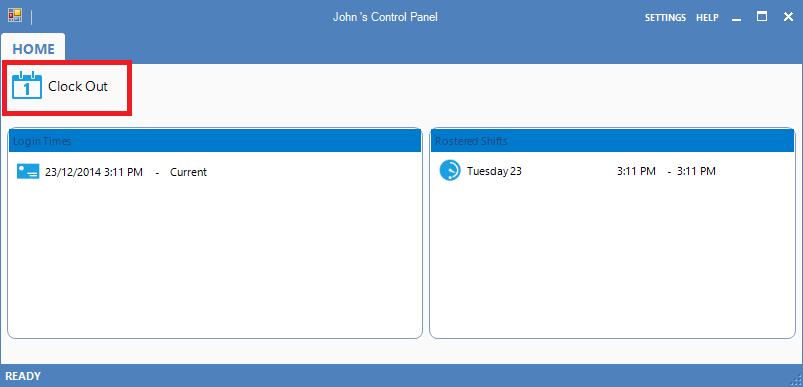
Step 6: To clock out, Follow steps 1 and 2. This will open the Users Control Panel. Click Clock Out.
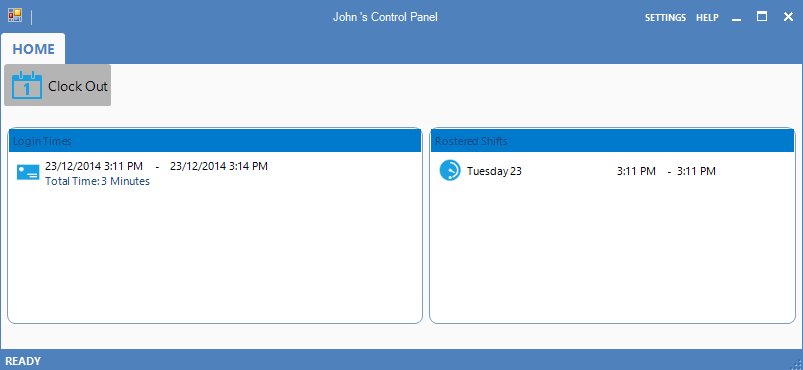
Step 7: Your Users Control Panel window will display showing the total time you worked for that shift.
YouTube Video:
0 Comments