
Keeping your username and password accessible is important as from time to time you will need to access the support site to view your e tickets, pay your invoices and download the latest version of the software.
If you have misplaced or forgotten your username and password, please do not contact support as we do not have access to this information. This is restricted to the original account holder only.
Hint: Your username and password is a set of numbers.
_______________________________________________________________________________
To retrieve your username and password:
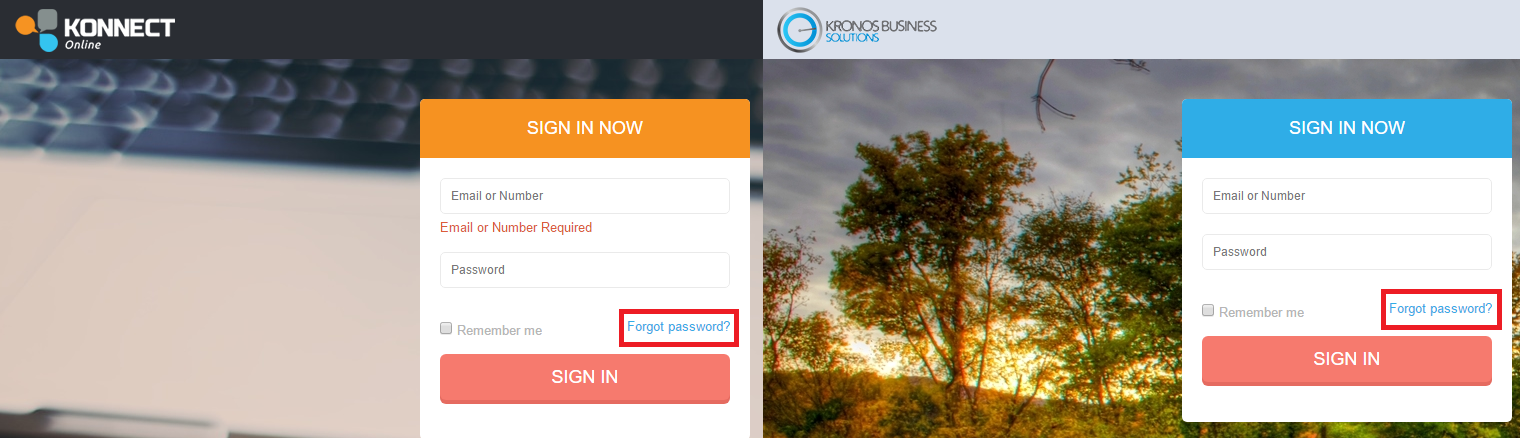
Step 1: Go onto our support site. Depending on which software you are currently using, select the right link.
Step 2: Once loaded, click on the circled "Click here" in red. This will then load the username and password registration page.
Step 3: Enter your email address that is registered to the account. 
0 Comments