
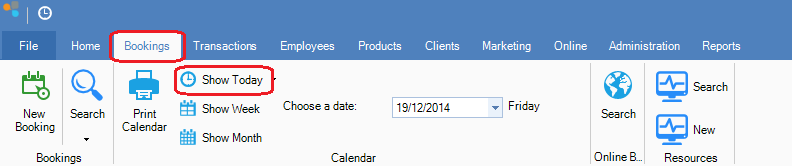
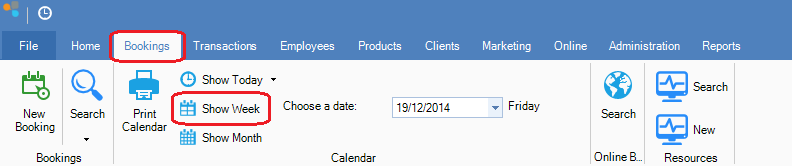
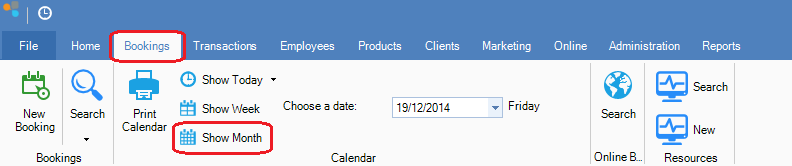
Step 1: Click on the Bookings tab and select the following:
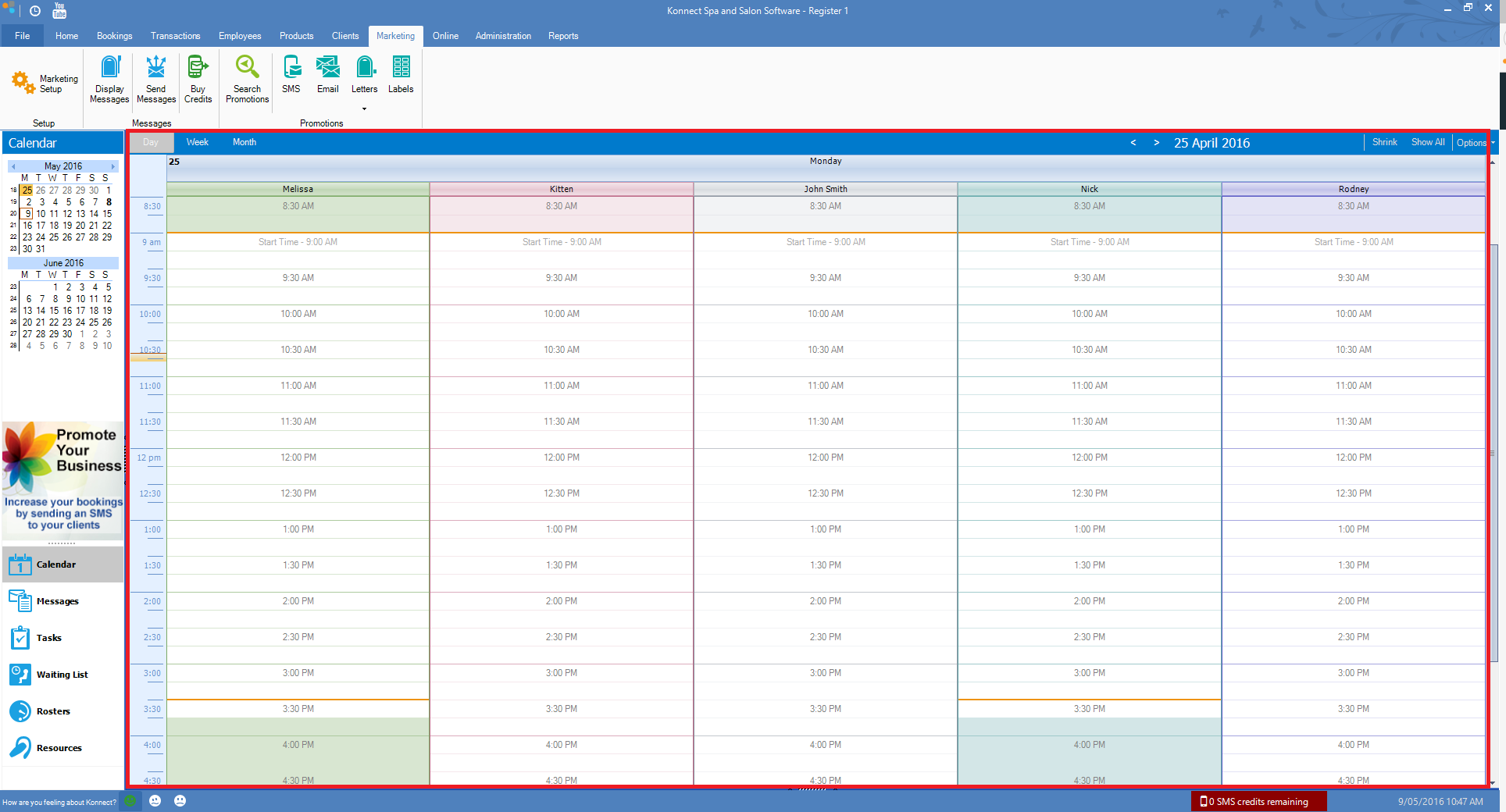
Show Today - To show the current day. This view will show all employee's columns in one view.
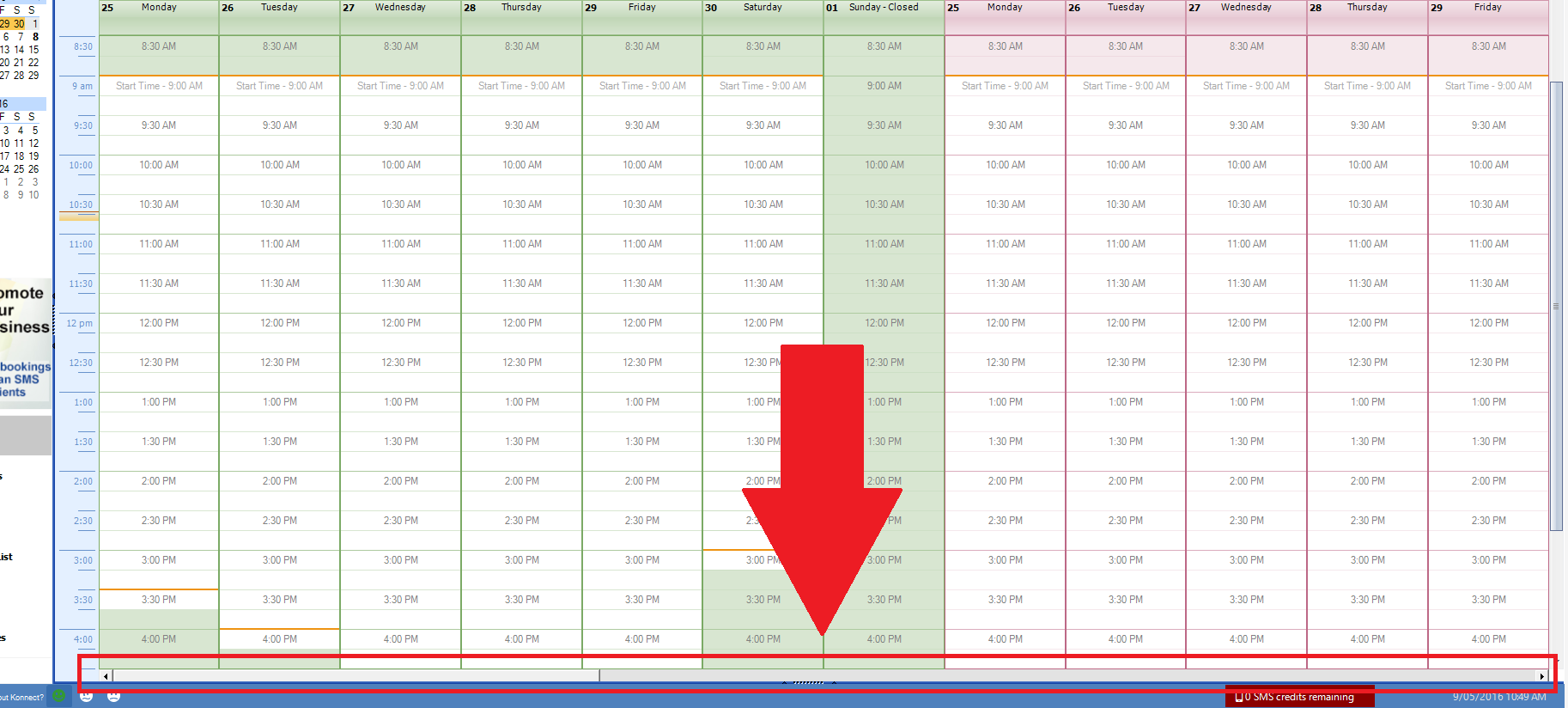
Show Week - To show the current week's worth of bookings. This view will show the employee's calendar in week view. Depending on how many clients the store has (and how big the monitor is), they may have to scroll to see other employee's columns.
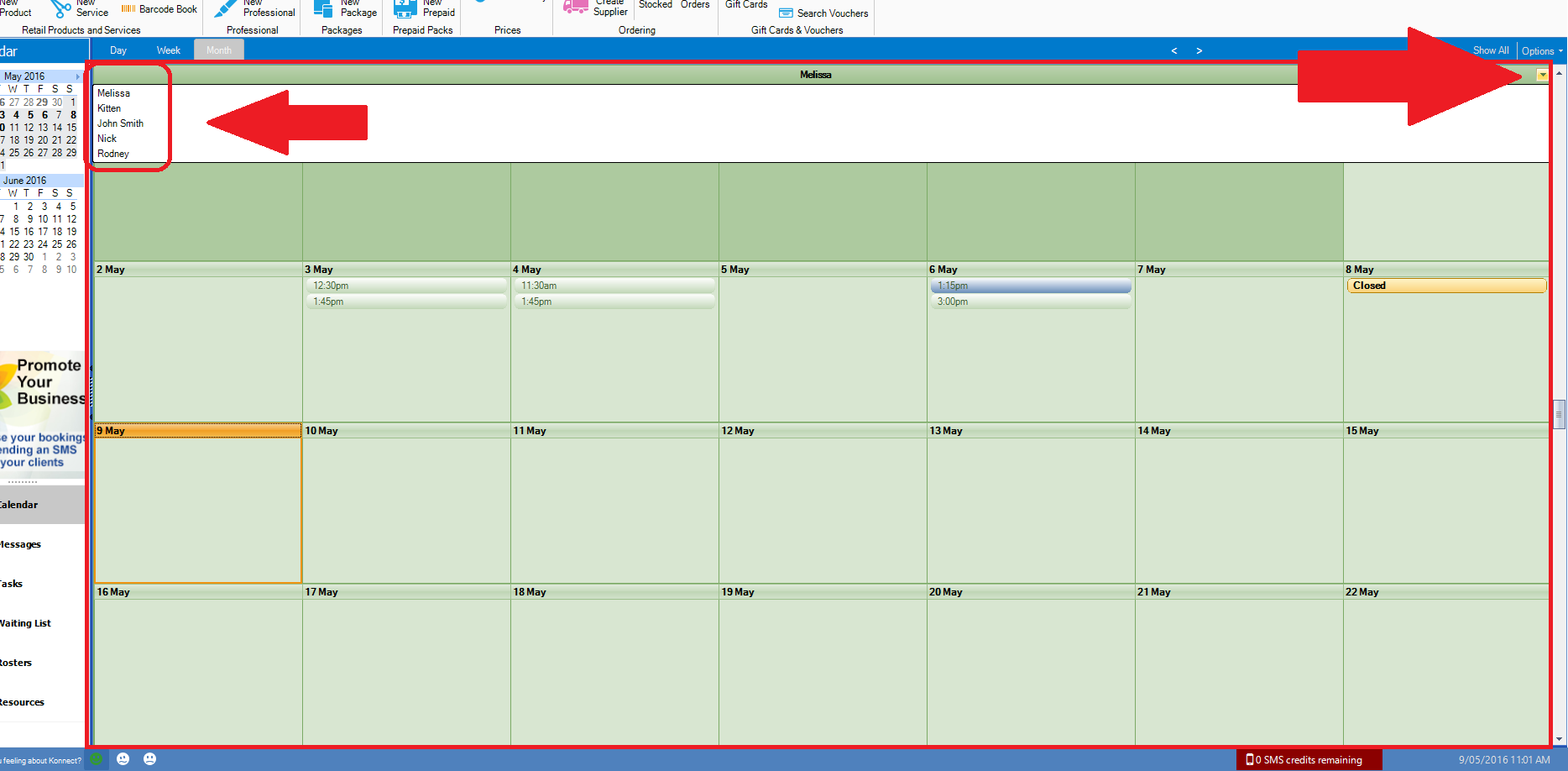
Show Month - To show the current month's worth of bookings. This view will show the employee's calendar in month view. This view will only show 1 employee at any given time. If you would like to change the employee's calendar to a different calendar, click on the drop down icon on the top right. (see screenshot).
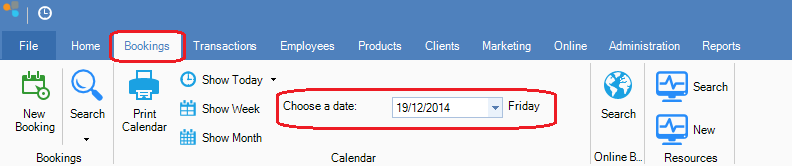
Drop down Calendar - To show any specific dates bookings you wish to select.
YouTube Video:
0 Comments