
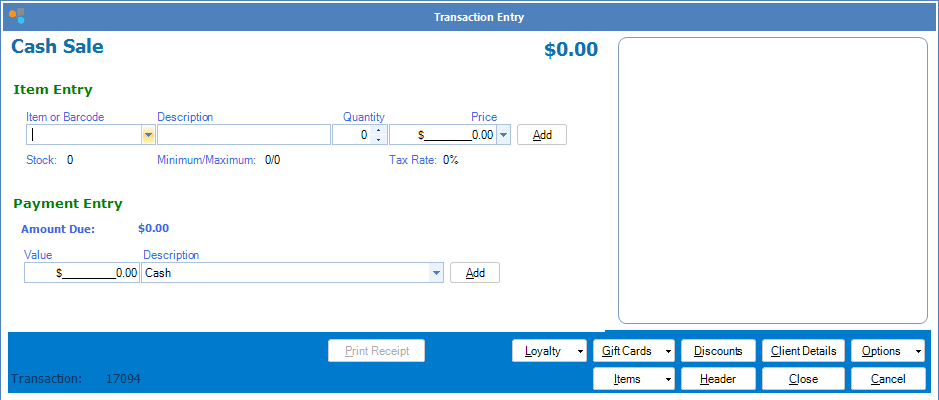
Step 1: Open a Cash Sale or Booking Payment transaction.
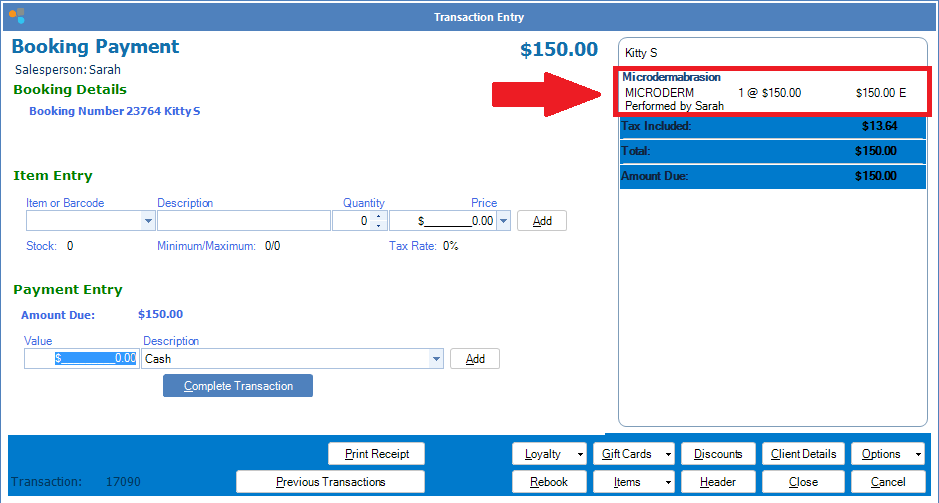
Step 2: Enter the item(s) the customer wishes to purchase.
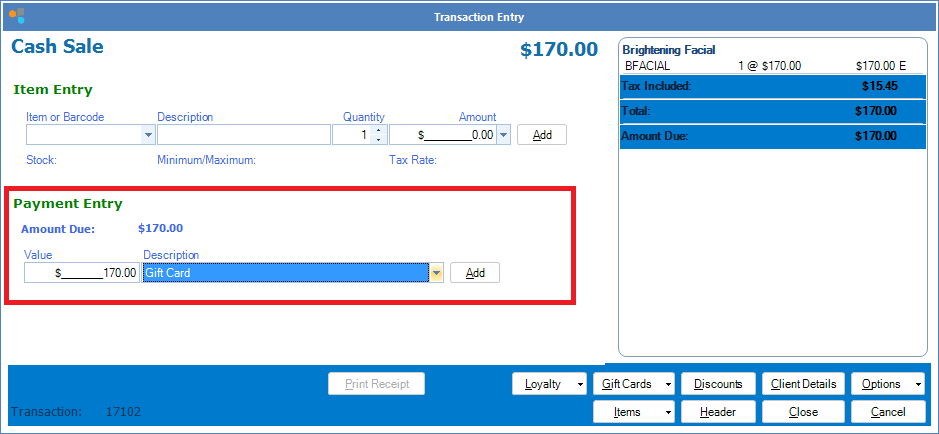
Step 3: In Payment Entry, enter the value the customer wishes to deduct from their Gift Card. Be sure to select Gift Card from the drop down menu.
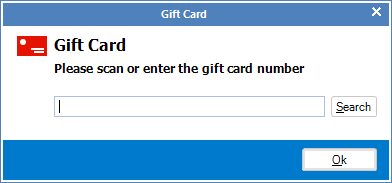
Step 4: When prompted, enter the Gift Card number or scan it using your bar code scanner.
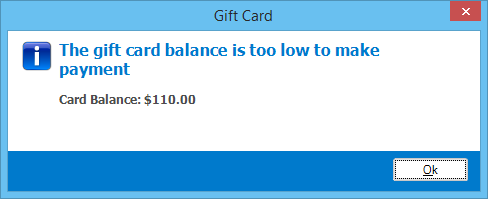
Step 5: If the Gift Card balance is lower than the entered amount, a warning message will appear, along with the card balance amount.
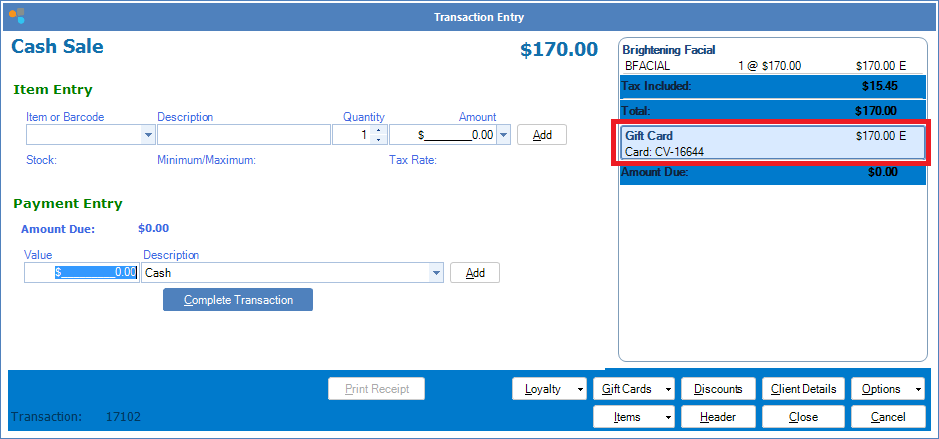
Step 6: Once entered, the gift card payment will appear in the transaction. Complete the transaction as per normal.
YouTube Video:
0 Comments