
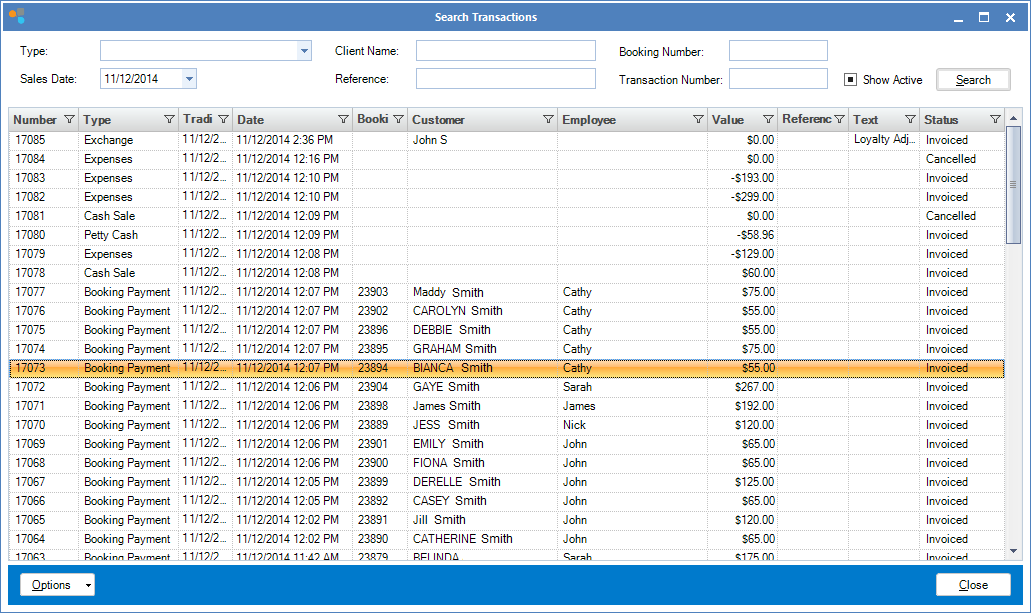
Step 1: Go to the Transaction tab and select Search.

Step 2: Once the transaction has been found, double click to bring up the transaction.
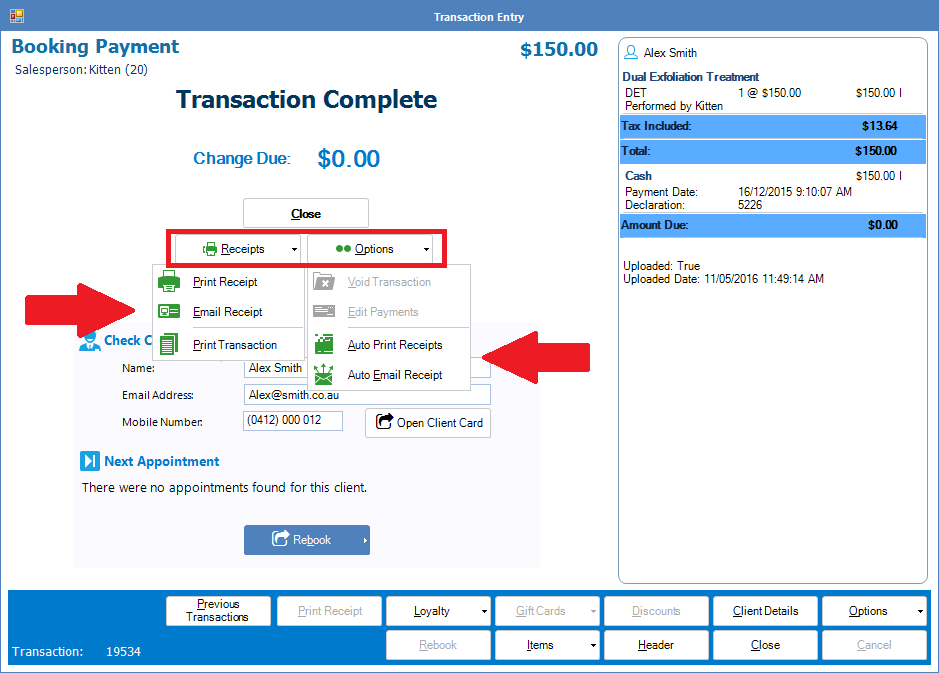
Step 3: Select Print Receipt to re-print the transaction receipt. Alternately you may email the invoice to your client by clicking Email Receipt.
0 Comments