
Step 1: Click the Reports tab and select Financial from the drop down menu.

Step 2: In the drop down menu you should be able to select Search Declarations. Select the date you wish to search/reprint.
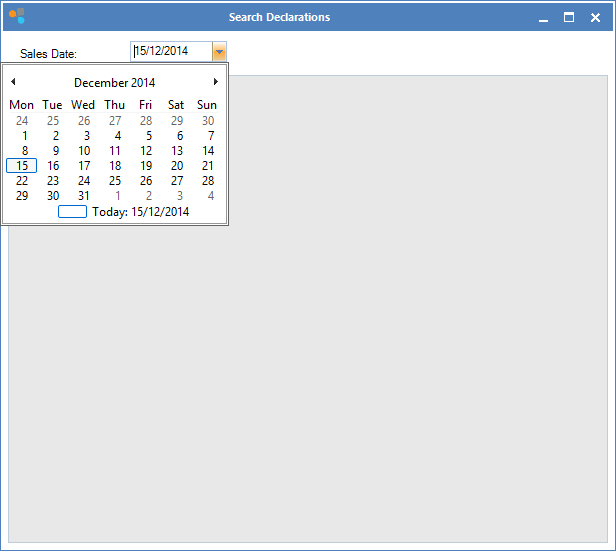
Step 3: Select and double-click to show the declaration.
0 Comments